

Sergio is a macOS expert at Nektony with an extensive background in technical support and QA.
With a background in technical support, quality assurance, and translation, he creates clear, actionable content on tech, digital tools, and user experience, making technical content accessible to everyone. Since transitioning into content marketing, Sergio has written a wide range of materials, from guides to case studies.
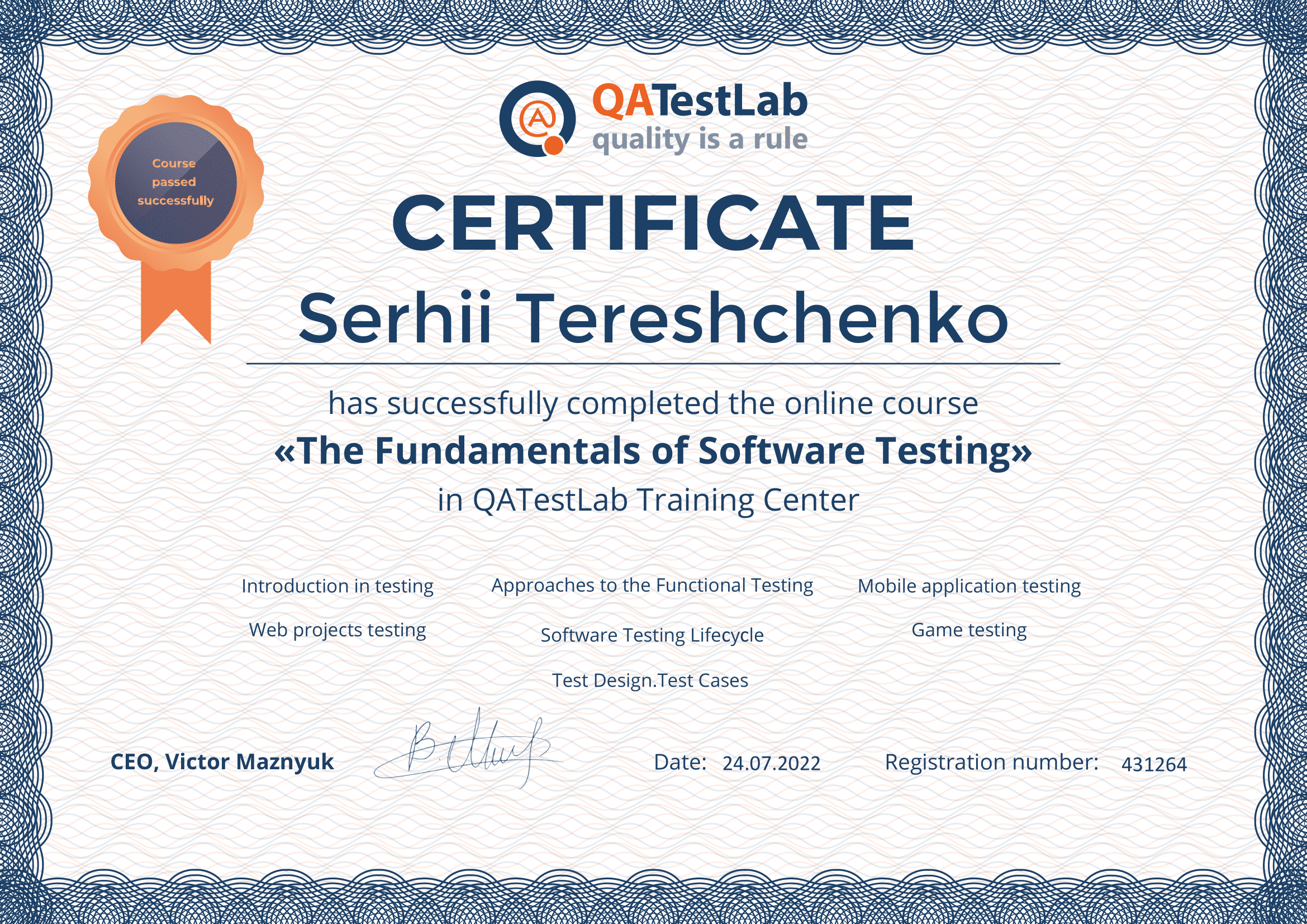
Sergio has got two Master’s degrees in Law and Translation. He continuously sharpens his skills through professional development, including certifications in content marketing, software testing, etc.
Sergio’s hands-on experience with testing software and assisting users with technical issues has given him a strong understanding of how products and tech work, how users interact with them, and what kind of guidance they need to solve problems quickly and effectively.
At Nektony, he creates user-focused content such as how-to guides, app overviews, and troubleshooting articles that simplify macOS tools and utilities. His mission is to turn technical processes into clear, actionable steps that empower users to make the most of their devices.