

Disk Space Analyzer
Disk Space Analyzer
A powerful storage analyzer for Mac. Analyze your disk usage, find large files, and free up valuable space.See what’s taking up space on your Mac – in a clear visual map. Delete what you don’t need and get your Mac running freely.

If your browser cannot download the .dmg file from the Nektony server, here are alternative ways to download the file:
For any questions, contact Nektony’s support team.


4.6-star rating4.6/5 on the App Store

Apple-notarized

Regular Updates

2+ million downloads
See what is taking up space on your hard driveStop guessing. See exactly what’s eating your disk.

Analyze your Mac disk usage. Check free space of any cloud storage or external hard drive.Scan your Mac’s internal drive in one click. Check disk usage across external drives and cloud storage folders.

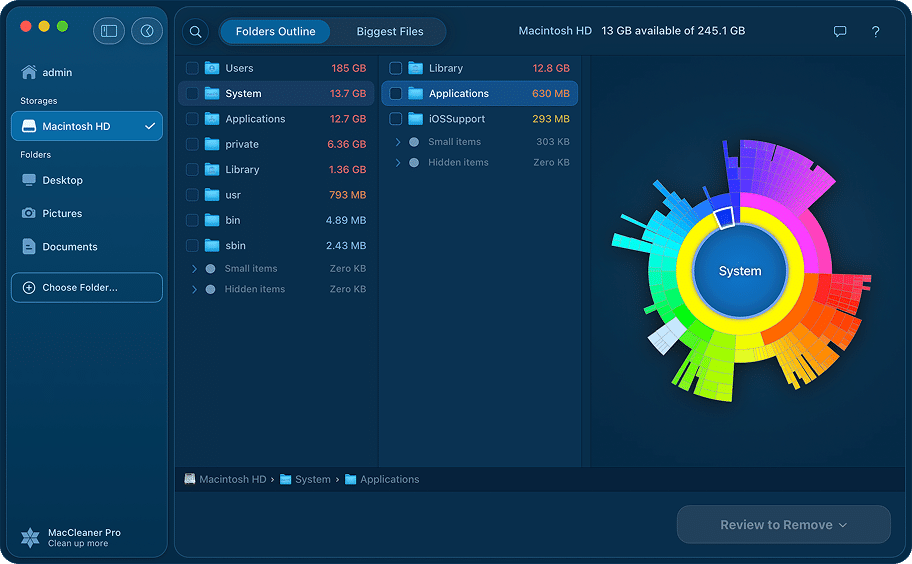
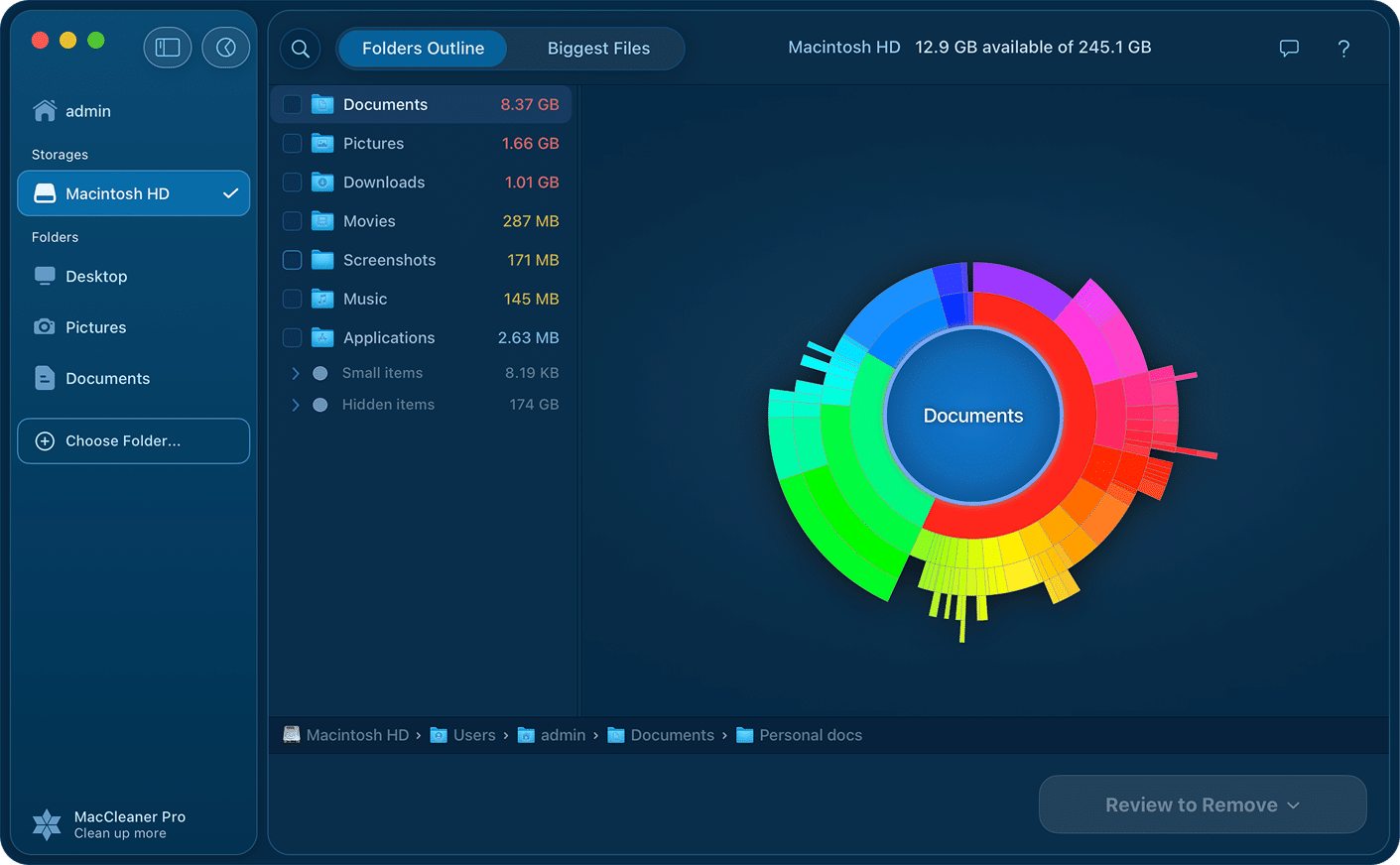
Get a convenient disk space visualization as a sunburst diagram. See file directories, and folder treemap.View your disk as a clear sunburst diagram – a simple, proven way to see folder sizes at a glance without touching a single file.

Find large and old unused files that take up useless space on your hard drive. Get a list of the bulkiest items.Get a ranked list of your largest and oldest files – sorted by size. Spot what’s worth deleting before you delete anything.

Manage disk usage on your Mac by copying, moving or removing unneeded files and folders.Clean up without leaving the app. Copy, move, or delete what you don’t need and take back the space your Mac needs to run well.
What is Disk Space Analyzer?
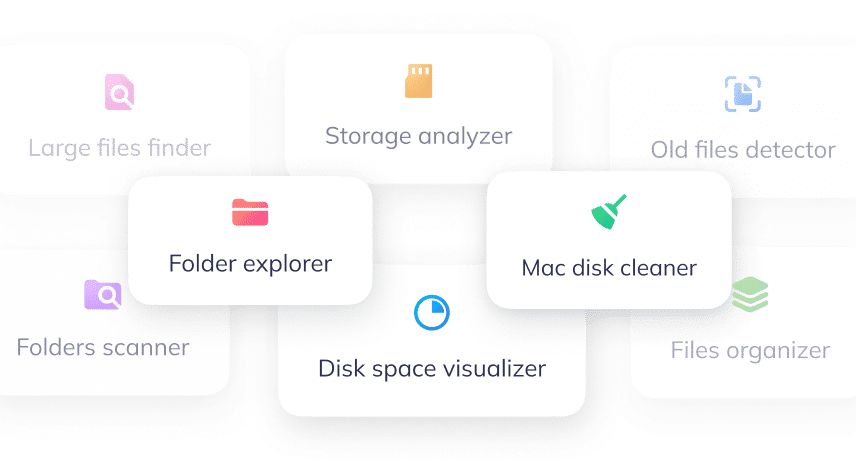
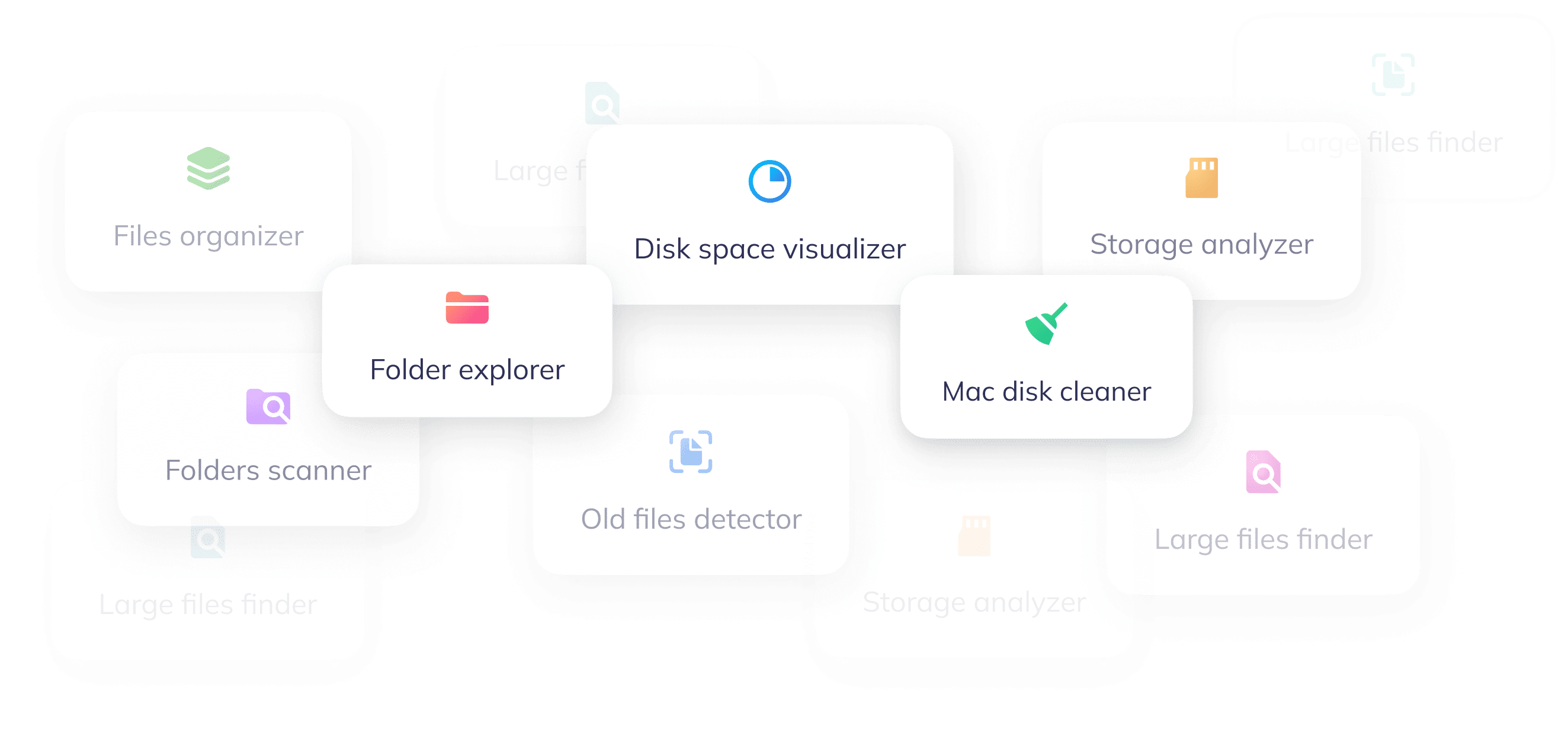
How to free up space on MacHow to analyze and free up disk space on Mac

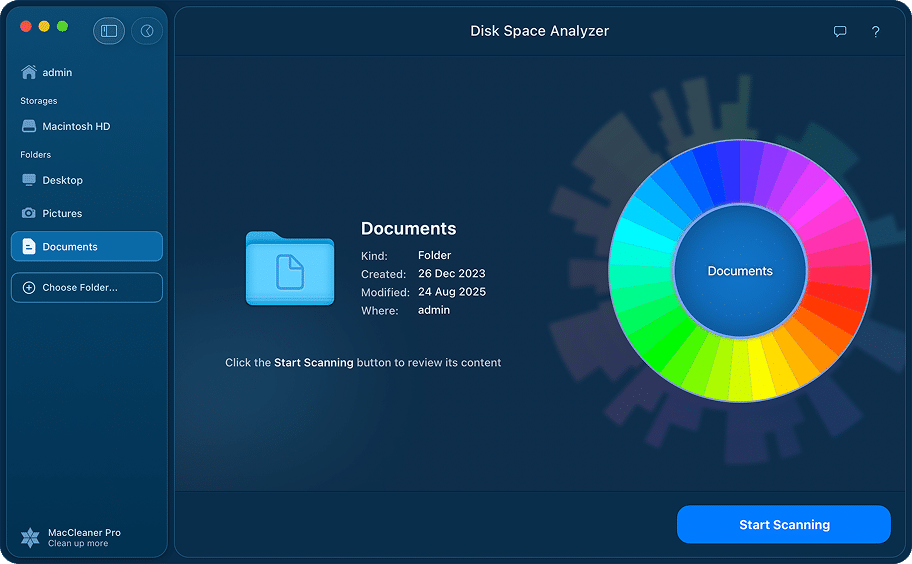
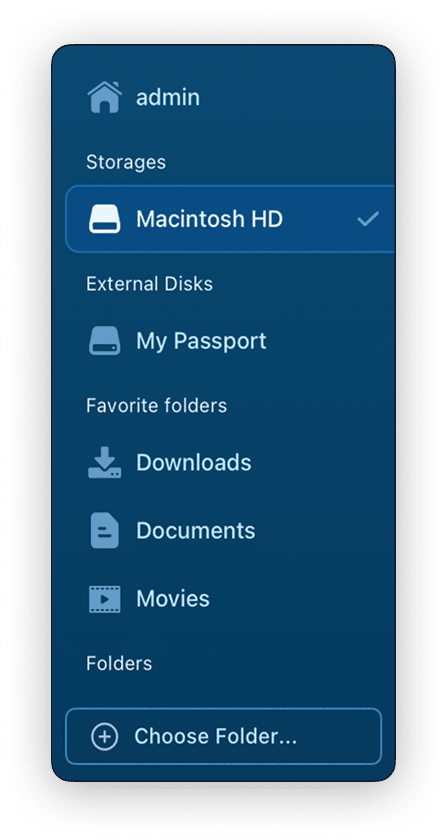
Scan your diskChoose what to scan
- Click to scan your Mac hard drive.Select your Mac’s internal drive, a specific folder, or any connected external disk.
- Scan separate folders.Results are ready in seconds – even on large, full drives.

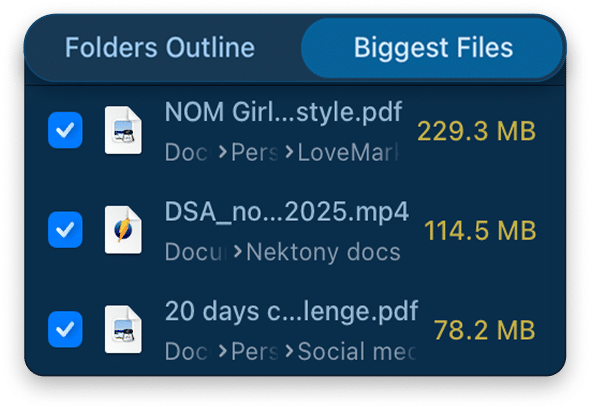
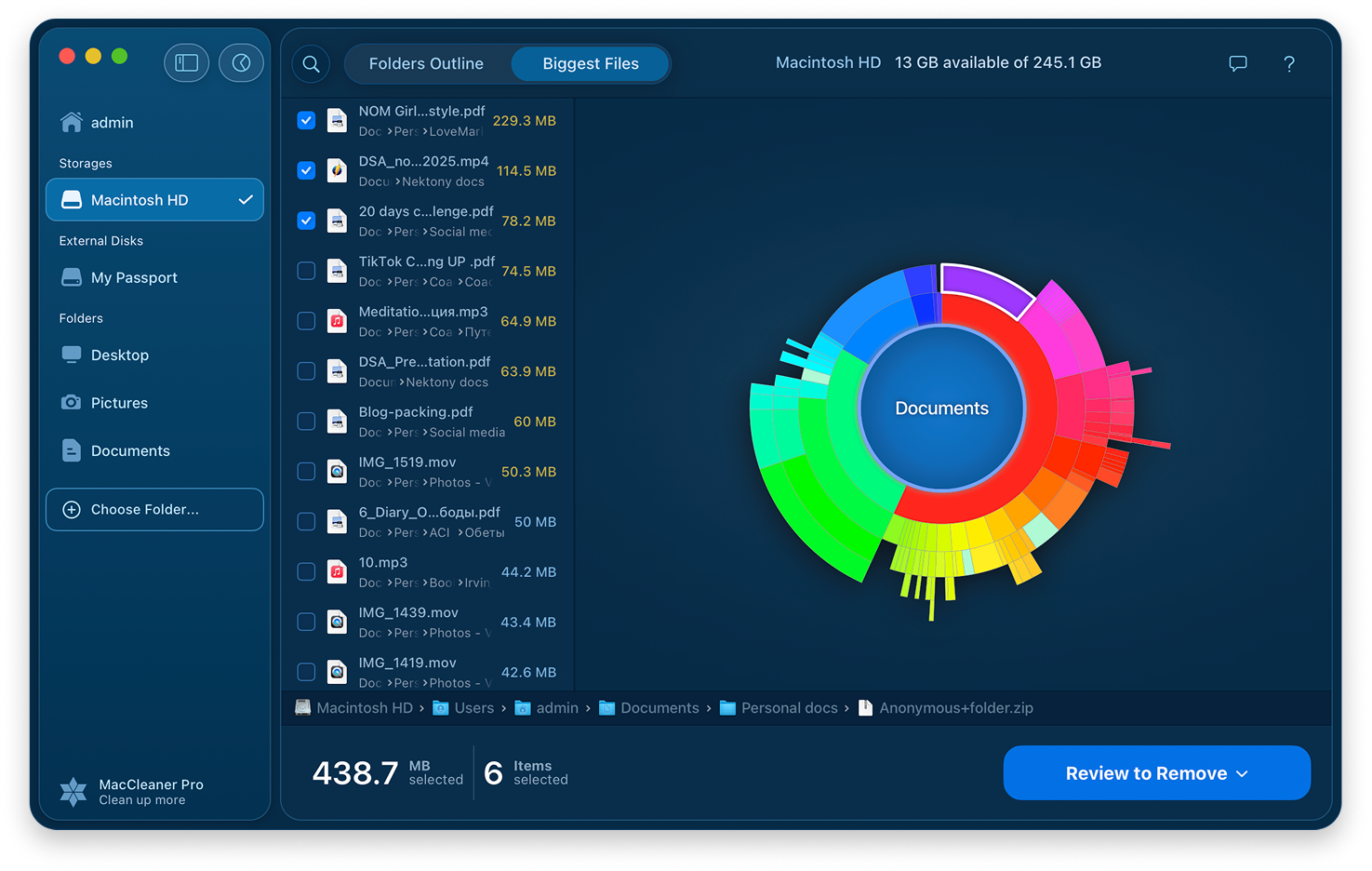

Find out what is taking up the most space on your diskSee what’s taking up the most space
- View the hard drive usage in a sunburst diagram.
- Switch to the Biggest Files tab to look at the list of the large files in decreasing order.Switch to the Biggest Files tab to review large files in order of size.

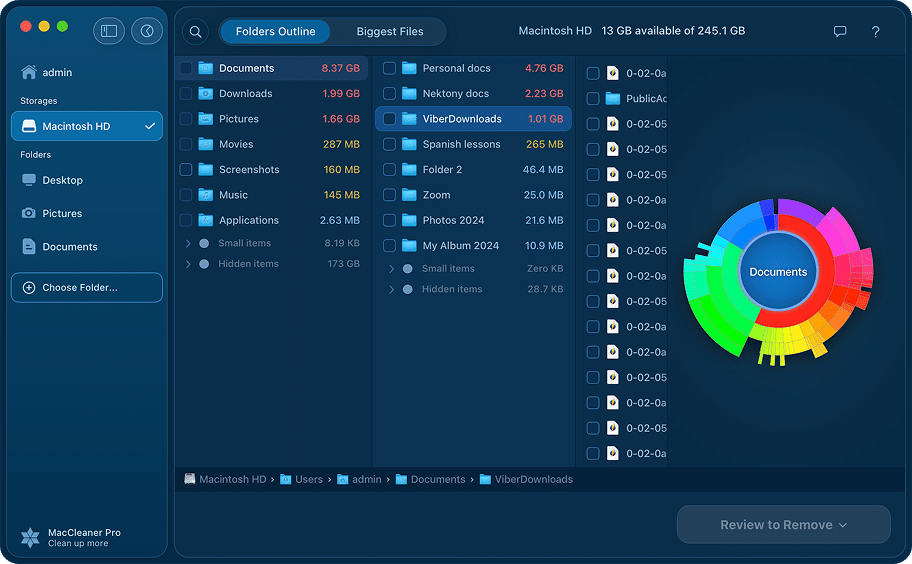
Manage bulky content on your diskRemove what you don’t need
- Select old unused items that occupy useless space on your drive.Review the files you don’t need and select what to clean up.
- You can copy, move, or remove selected items to free up space on your Mac.Free up gigabytes in minutes, right from the app – no Finder needed.

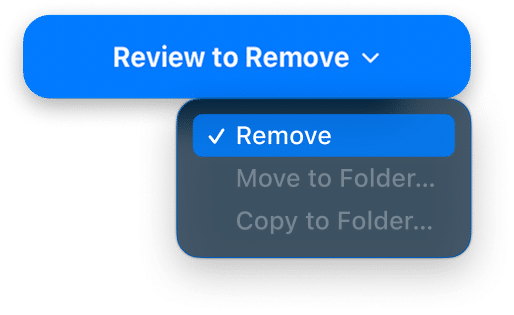
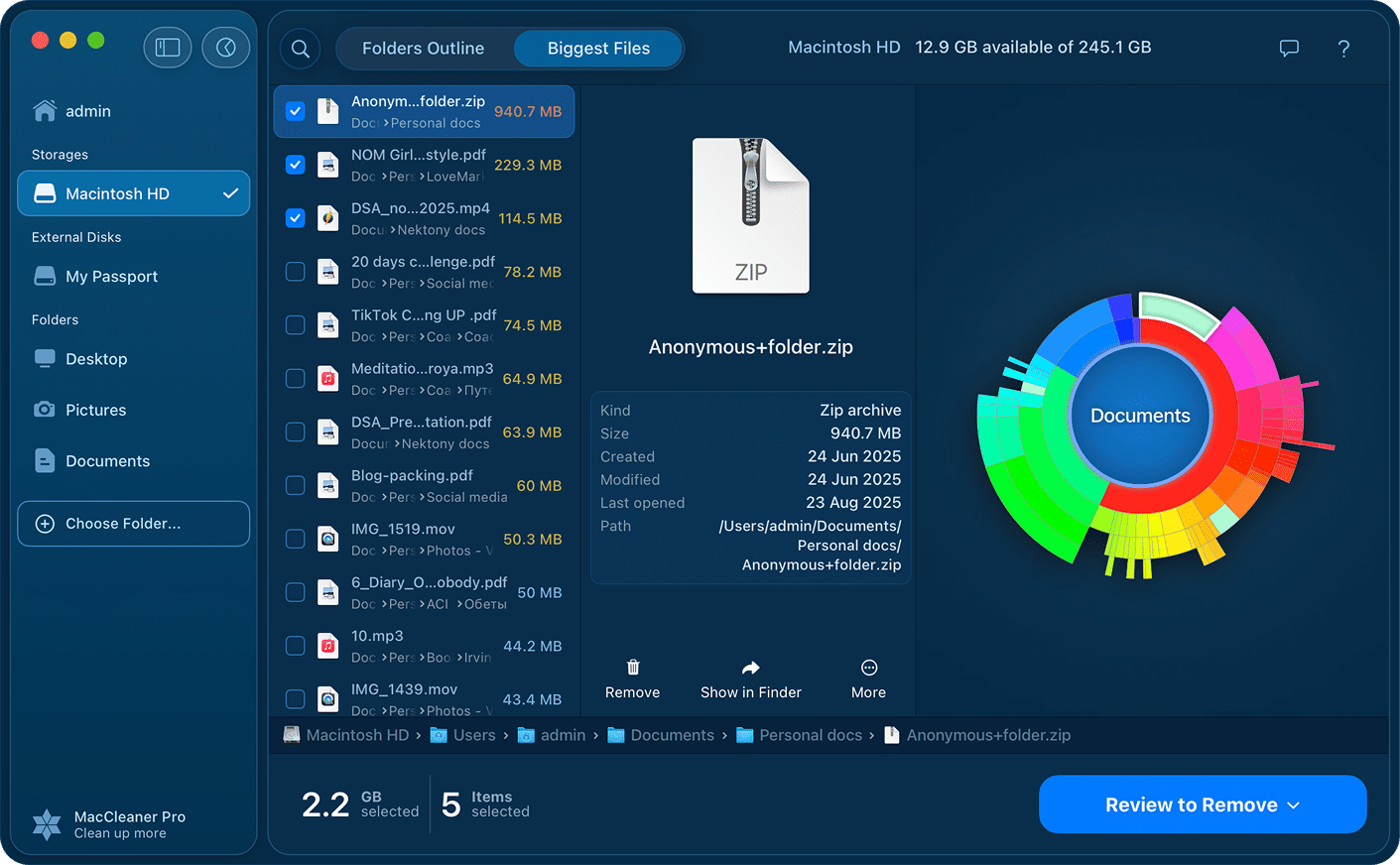
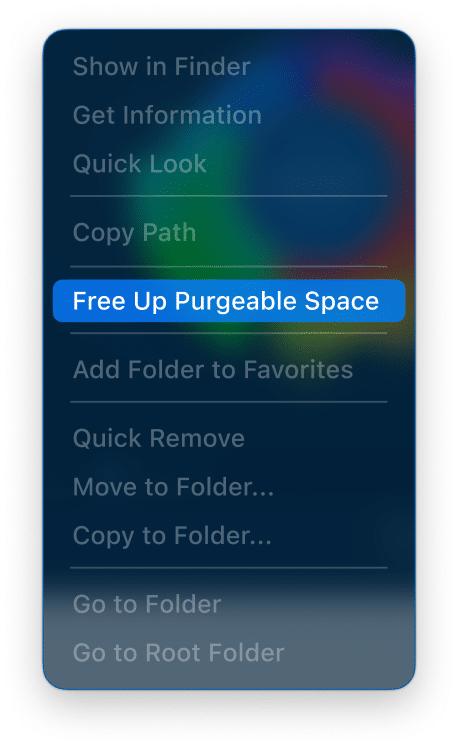


See and reclaim purgeable space on your MacReclaim your purgeable space
Why Disk Space Analyzer?

Fast scanningResults in seconds
Get ready to be impressed by the fast scan speed of the app. Scan your drive and get the results in less than a minute!

Different volumes supportAll volumes support
Scan HDD volumes, CD and DVD disks, removable USB drives, mounted DMG images, and even folders with FileVault protection.

Hidden files detectionNothing stays hidden
Find even hidden debris on your disk, such as logs and caches of apps, browser data, and so on.

Disk cleanupClean up from one place
Besides analyzing, you can add files to the special list for further managing. Move or remove unneeded files and recover valuable storage space on your Mac.

Apple-notarization
The app is Apple-notarized. It’s proven to be safe and free of malware. The app is regularly updated and optimized for the latest macOS.

Clearing purgeable spacePurgeable space control
When you turn on optimizing storage, Mac creates a so called purgeable space. The application displays purgeable space and allows even clearing it.
Frequently Asked Questions

Happy users notes 👍

App Store

App Store
App Store
This app visualizes your disc in a most logical way and lets you remove files with ease. I would highly recommend it, even just to take a look at your os structure.
Disk Space Analyzer speaks
English
Español
Deutsch
Français
中文
Italiano
Українська