
App Cleaner & Uninstaller




App Cleaner & Uninstaller
An all-in-one app manager to remove apps, manage extensions and startup items, and track updates in one place.

If your browser cannot download the .dmg file from the Nektony server, here are alternative ways to download the file:
For any questions, contact Nektony’s support team.


Remove what you don’t need. Update what you keep.
Everything you need to manage all apps on your Mac
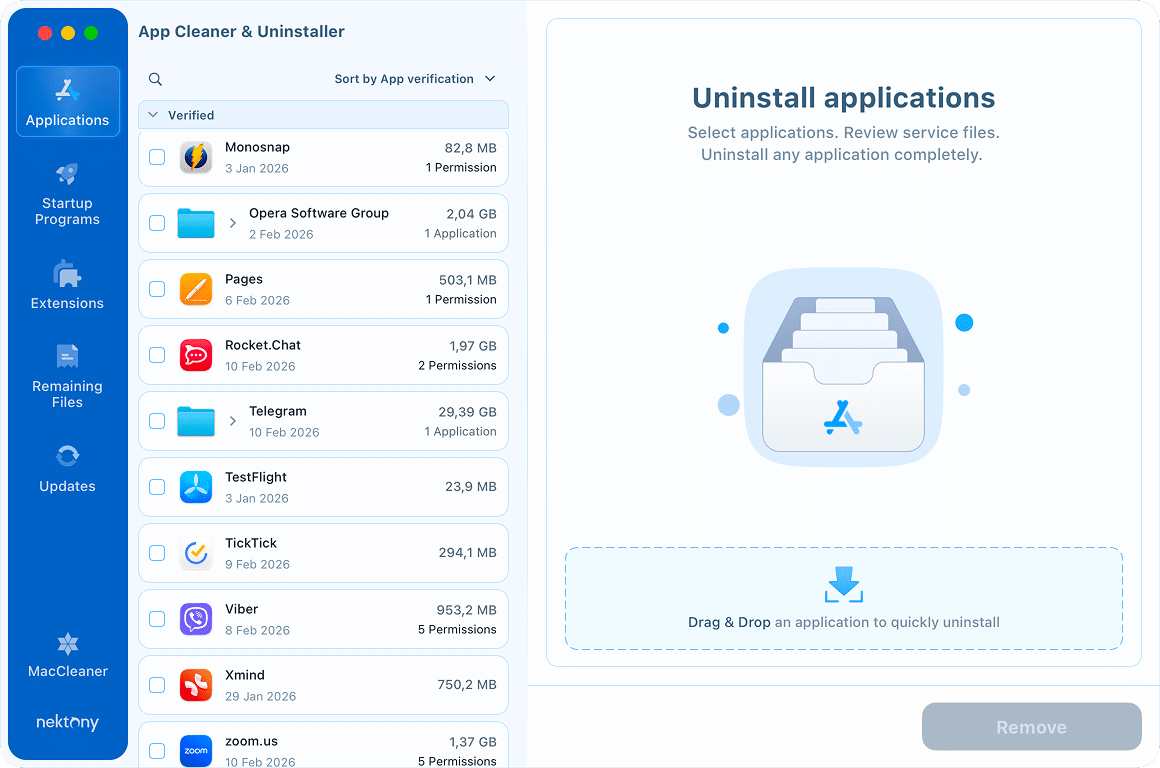
Deep cleaning for every app
 Complete removal
 No remnants left
- Remove unneeded apps and clear away the digital junk they leave behind.
- Select multiple programs for bulk removal and free up gigabytes of space in seconds.
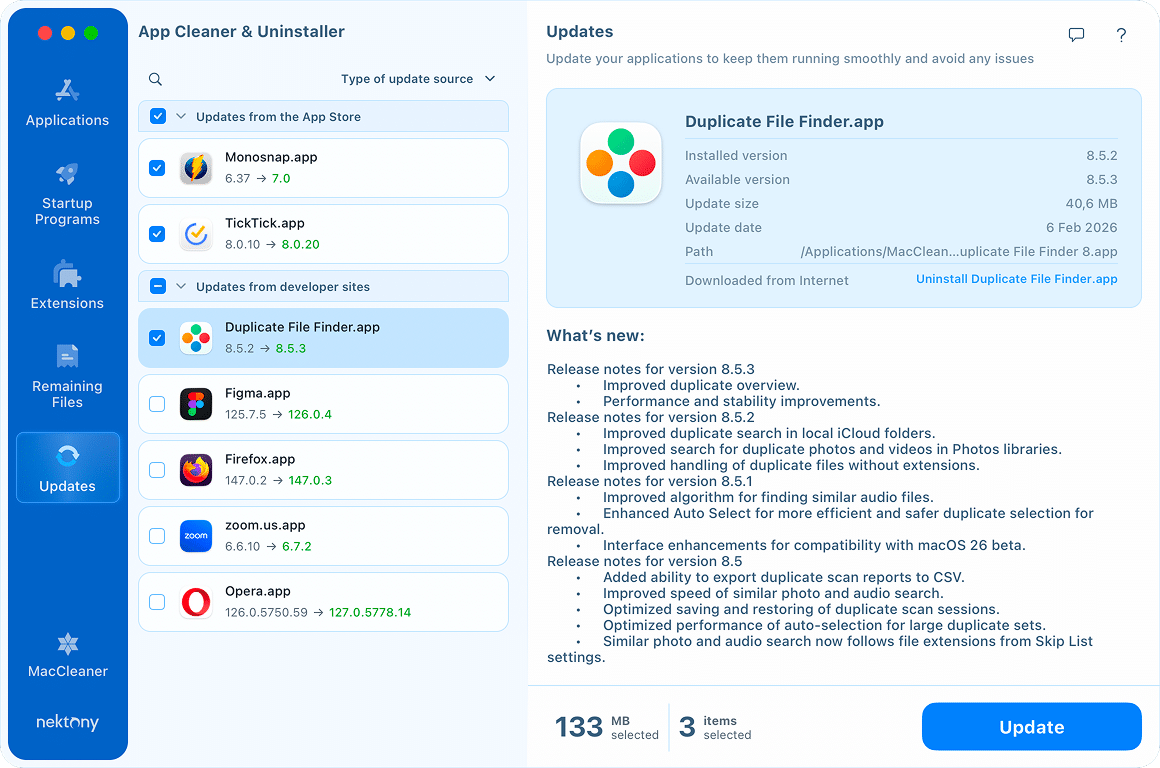
Always up to date
 1-click bulk updates
 Developer appsApp Store apps
- See every available update for your entire software library in one place.
- Ensure your apps are always protected and optimized.
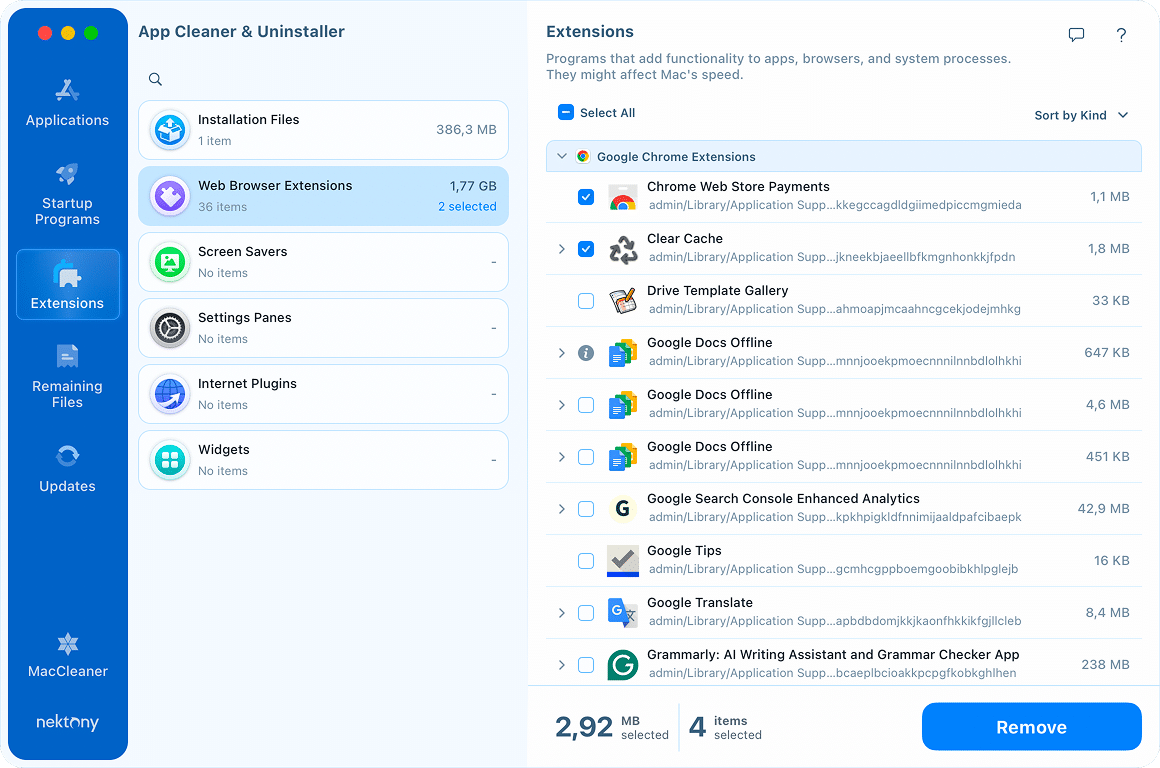
Easy extension management
All-in-one view Total Control
- Get a clear view of everything from preference panes and old internet plugins to the widgets you forgot you had.
- Clear away the digital clutter to silence the background noise.
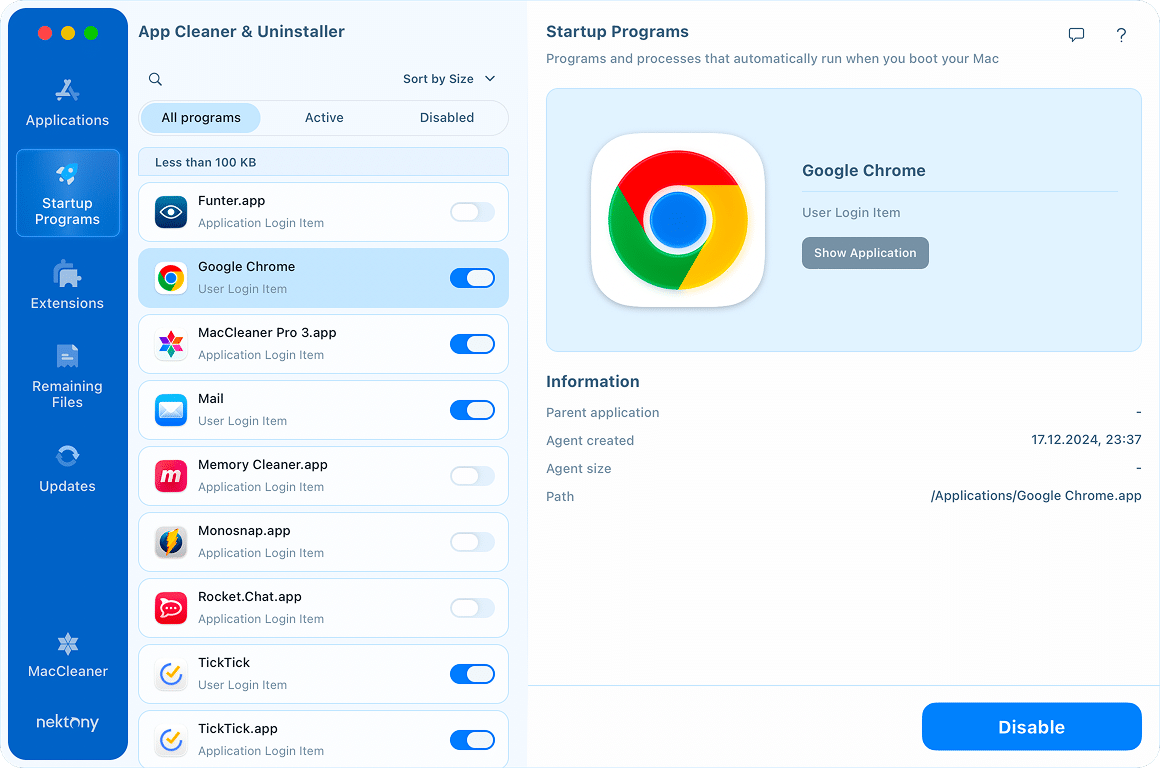
A faster start for your Mac
 Login items
 Background apps
 System daemons
- Gain total control over your Mac’s launch speed by managing startup programs.
- Keep your system fast, responsive, and always ready to go.
The end of hidden clutter
 Cache
Cache Remaining files
 Broken items
- Find broken files and hidden data left behind by the Trash.
- Reclaim every gigabyte of wasted space.
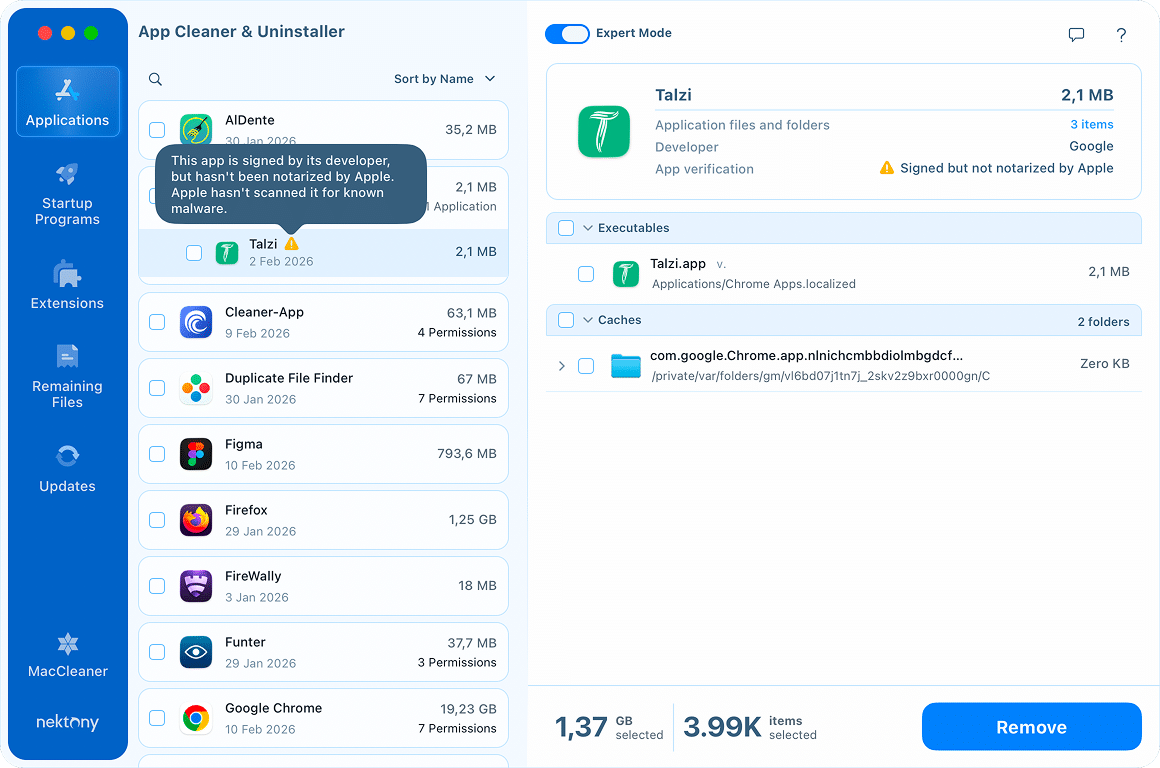
Pro-level tools for security insights

Permission audit
From camera usage to full disk access, see every permission your apps have.

AI-powered summaries
Get a smart, Apple Intelligence overview of what every app actually does.

Notarization status
See which apps are Apple-notarized. Know exactly what you can trust.
Expertly crafted. User approved.

4,8/5 star rating based on 235 reviews

Support of 20000+ third-party apps for complete removal

10+ million happy users across the world

Basic and Expert modes for fast uninstalling or cache cleaning
Localized for you
English
Español
Deutsch
Français
繁體中文
日本語
Italiano
Українська
Top-rated by Mac users


Awesome app cleaner tool by @Nektony! Helped me gain 15+ Gig in two runs. I hope an uninstaller like this is built-in for macs!Amit Bhatnagar

Trustpilot.com
I have been using the “App Cleaner and Uninstaller Pro” by Nektony for a few years now. I consider it a must-have application! User-friendly interface, simple to use, and very effective. It does exactly what it says in a simple, fast, and efficient way.Christina Z
Recently I had a problem on my Mac where I had files in the Bin that I could not delete. Various suggestions were made and none worked. I found mention of ‘App Cleaner & Uninstaller’ by Nektony on the web, tried it and alas while I fell in love with the program (1 of 2)Daron Brewood
Trustpilot.com
I have been working with this company and their products since version 1.0. They are in my opinion #1 in customer support and their software is incredible. Every time I uninstall unneeded…Dan Brooking
Trustpilot.com
Excellent product. Particularly useful managing and uninstalling applications simple and efficient, by far the best in really many other systems I know; memory management definitely improves the functioning of my Mac…Pawel