Max Sushchuk is a macOS systems specialist with over 15 years of experience in software analysis and performance optimization. He specializes in creating clear, actionable content aimed at helping readers grasp complex ideas and make their lives easier with technologies.
His expertise combines technical accuracy, intuitive user experience, and straightforward communication to ensure even the most sophisticated notions are accessible and easily understandable for all users.
At Nektony, Max focuses on converting common user challenges into simple, effective guides that empower readers to confidently manage software and optimize their Macs.
Max holds a Bachelor's degree in International Economics from Kyiv National Economic University (2012).
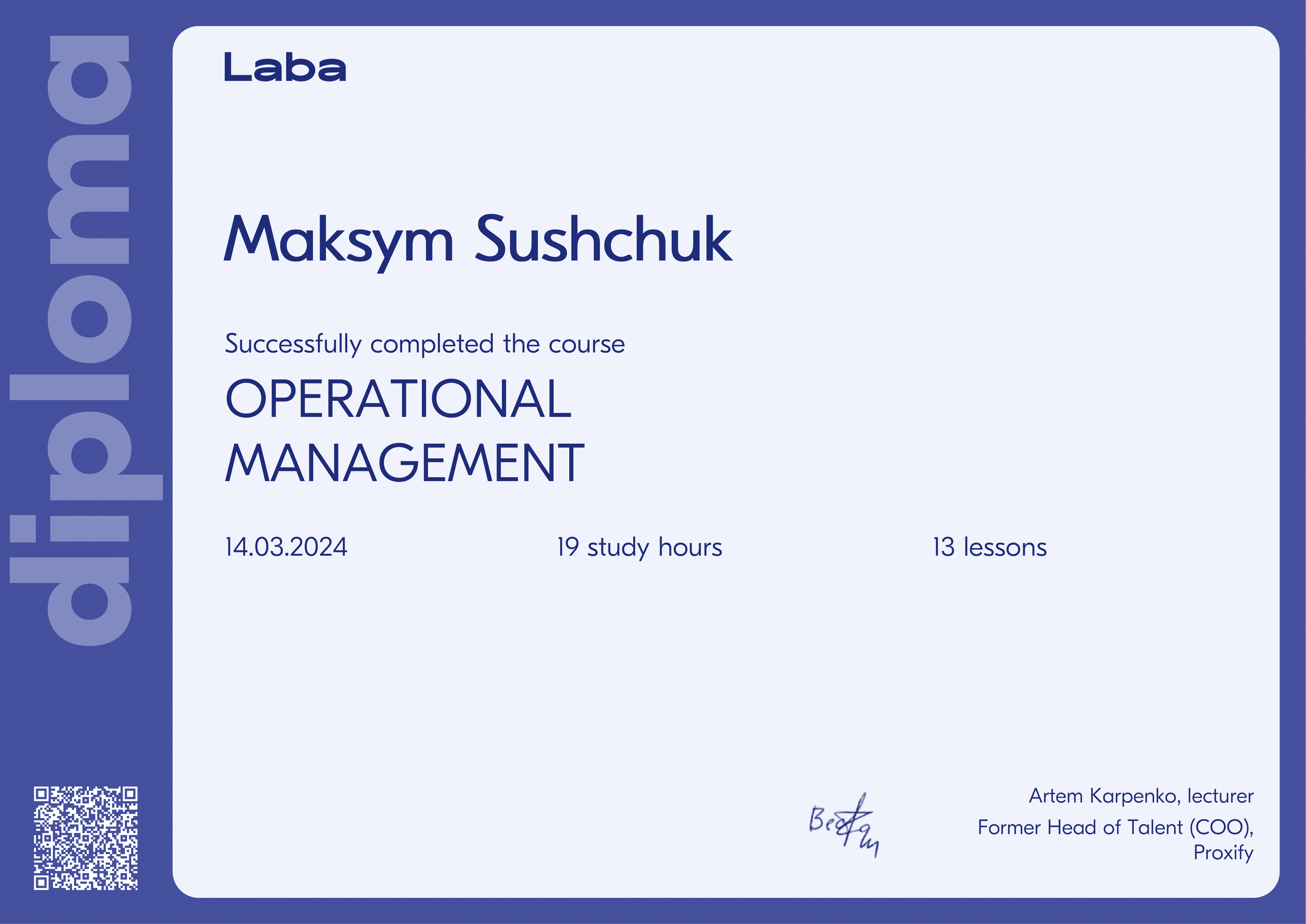
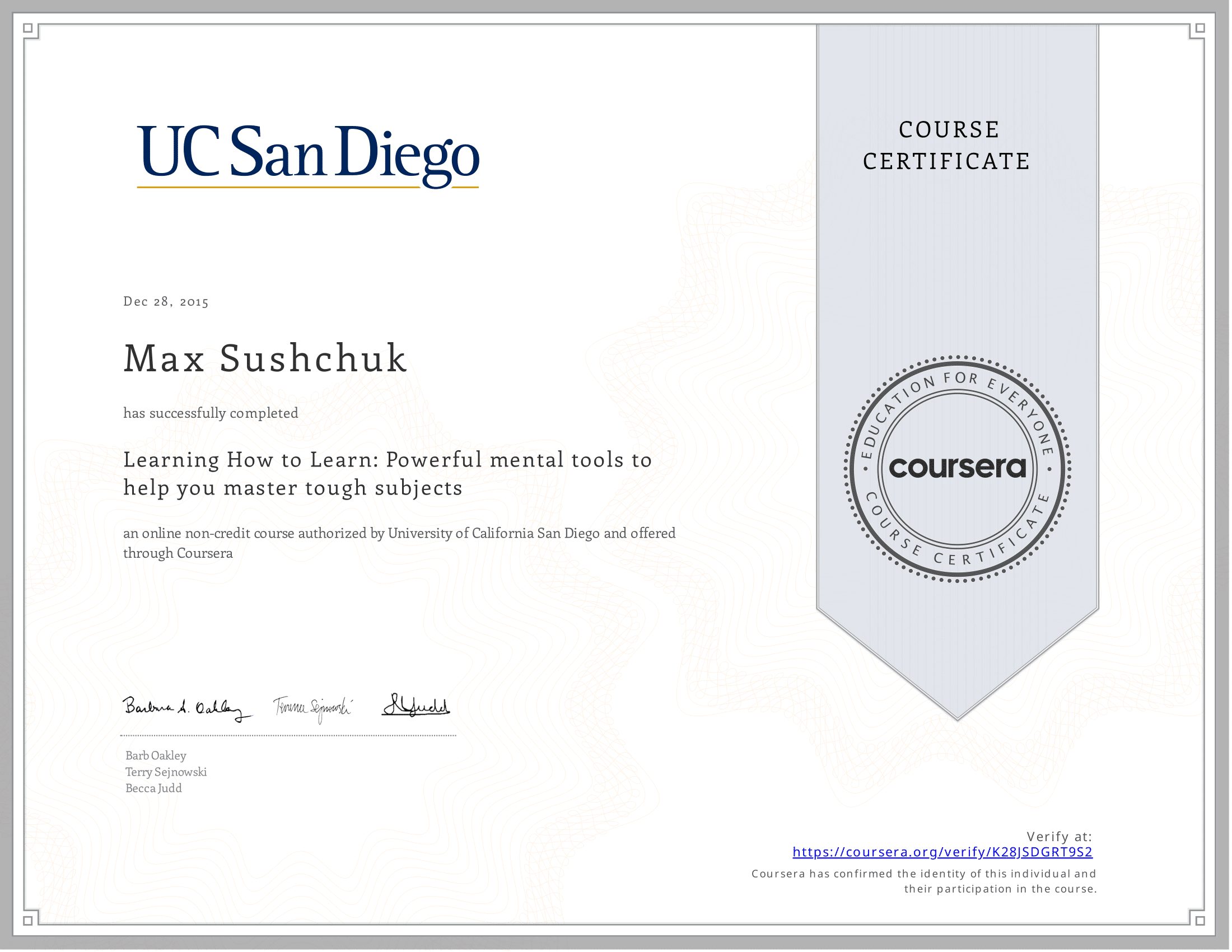
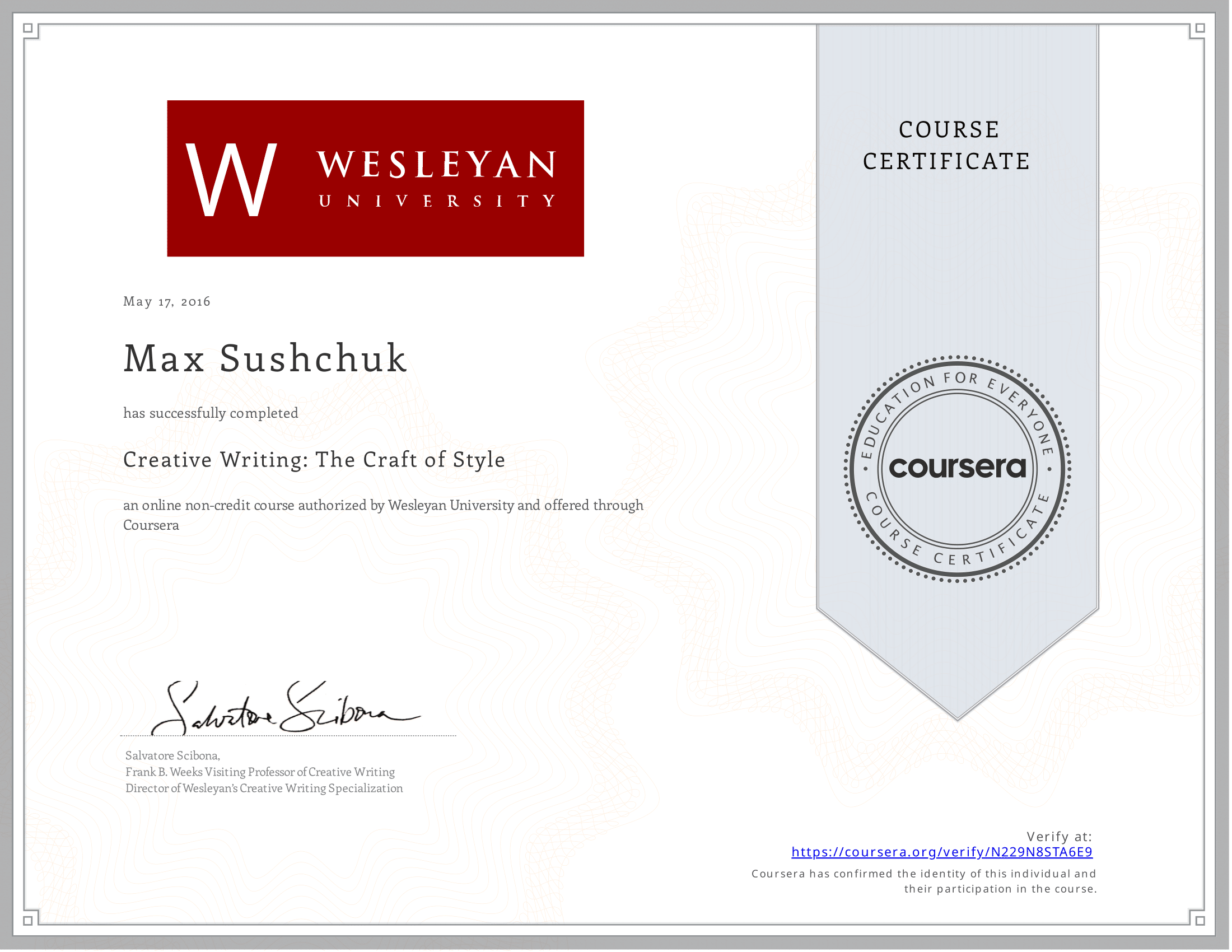
Committed to ongoing learning, he has completed courses such as Creative Writing, Copywriting for Web, and Learning How to Learn, along with specialized training in businesses’ best practices.
Max began his career as a freelance copywriter and later provided writing services for a range of clients, including Transgaming and Cisco.
His earlier roles covered content strategy, technical documentation, and user-centric marketing communications.
At Nektony, Max blends his deep understanding of macOS with precise technical writing to create helpful, user-focused guides. His goal is to simplify software-related tasks, enabling users to maintain and enhance their Macs with confidence and ease.