


Sergio Tereshchenko
Content creator with a background in tech support and quality assurance.
Author Bio
Specialty

Sergio is a content creator focused on writing accessible, solution-oriented pieces of content in the tech space.

With a background in technical support, quality assurance, and translation, he writes clear, actionable content on tech, digital tools, and user experience, making technical content accessible to everyone. Since transitioning into content marketing, Sergio has written a wide range of materials, from guides to case studies.

Education

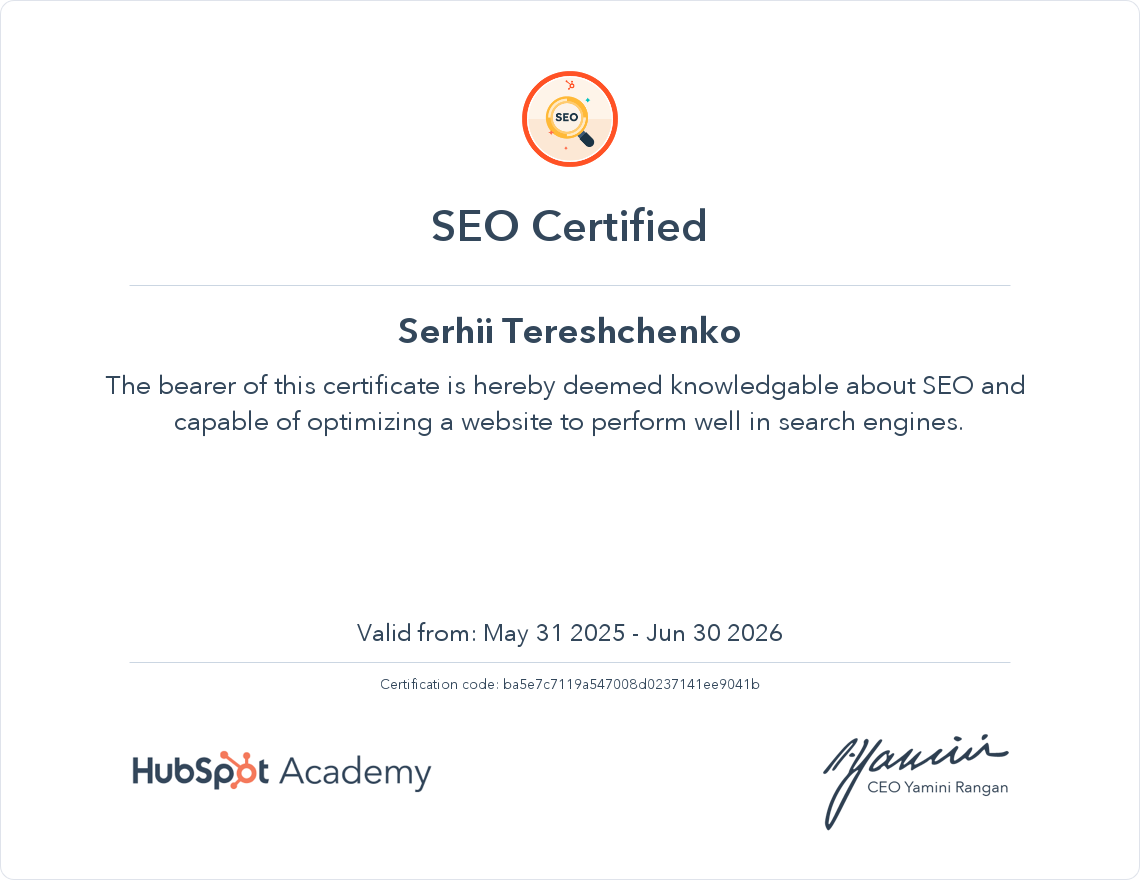
Sergio has got two Master’s degrees in Law and Translation. He continuously sharpens his skills through professional development, including certifications in content marketing, software testing, etc.

Field

Sergio’s hands-on experience with testing software and assisting users with technical issues has given him a strong understanding of how products and tech work, how users interact with them, and what kind of guidance they need to solve problems quickly and effectively.

At Nektony, he creates user-focused content such as how-to guides, app overviews, and troubleshooting articles that simplify macOS tools and utilities. His mission is to turn technical processes into clear, actionable steps that empower users to make the most of their devices.

Certificates
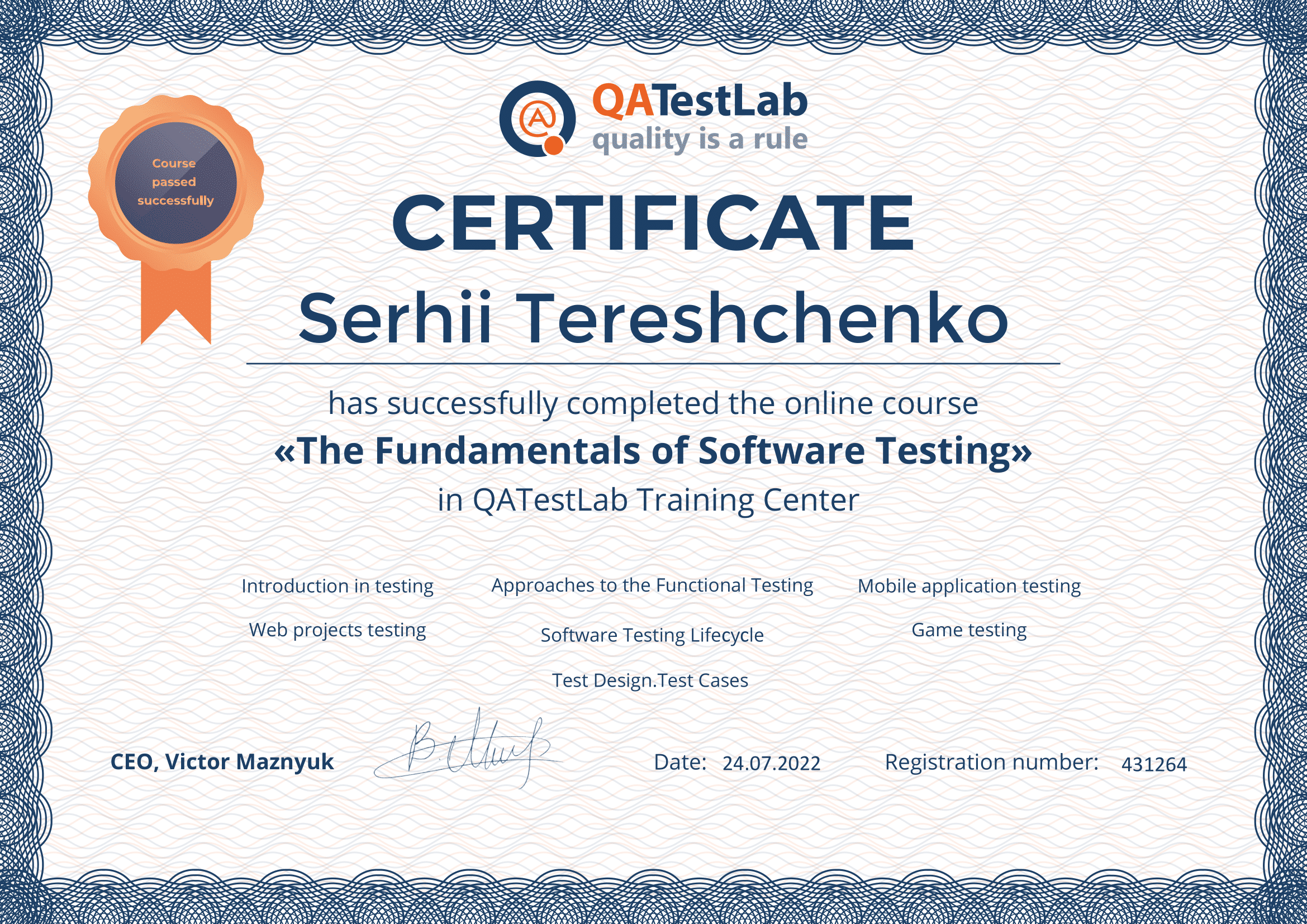
Certificate awarded to Sergio Tereshchenko for completing the course 'The Fundamentals of Software Testing'

The Fundamentals of Software Testing

Articles
Let’s face it: every 2 seconds, ransomware hits a business, a person, a device - no one’s safe. The price tag? $10.5 trillion globally. It's why you and I need...
Did you know the average Mac user has about 51 apps installed, with up to 15 used daily? That number keeps climbing every year. Now, let's be realistic - if...
The recent Logitech certificate outage made a lot of people reinstall Logi Options+ just to get their mouse working again. Others took it as a sign to move to another...
Whether you’re cleaning up your Mac or switching to another translation tool, uninstalling DeepL might sound simple - drag it to the Trash and move on. But as with most...
Having trouble uninstalling SoftRAID from your Mac? It's alright. I've taken on the challenge for you, diving into various methods and pinpointing every hidden file this disk utility leaves behind...
Scroll to Top