How to Delete Documents and Data on iPhone
September 15, 2023The easiest way to remove “Documents and Data” on your device is to reinstall the application. For this, go to Settings → General → Storage & iCloud Usage.


September 15, 2023The easiest way to remove “Documents and Data” on your device is to reinstall the application. For this, go to Settings → General → Storage & iCloud Usage.
September 14, 2023In this article, we will highlight the best macOS shortcuts to speed up your everyday computer tasks and explain how to create shortcuts on Mac. Read more
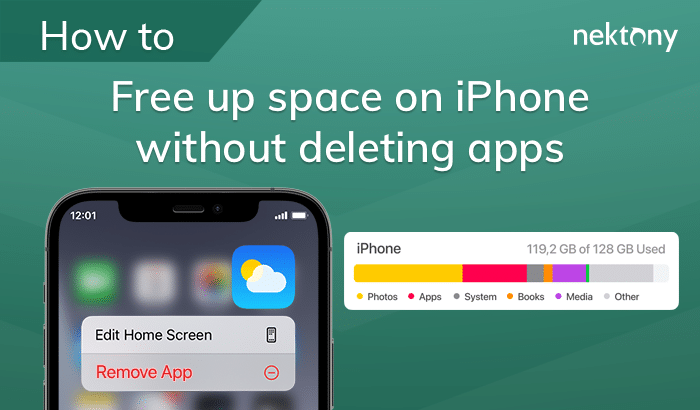
September 14, 2023Storage space running out? Follow these tips to clear space on iPhone (no need to delete apps). 1) Disable Photo Stream: go to Settings → iCloud → Photos…
September 14, 2023Read the article to discover hidden content on your Mac hard drive. Also, we will show you the quickest way to clean up hard drive space on your

September 13, 2023Mostly, work in Terminal consists of entering the specific text strings and pressing the Return key. In the text below you will find some Terminal commands for Mac.