To remove Anaconda from Mac, follow these steps: first, quit Anaconda, then open Activity Monitor and close Anaconda processes running in the background...
If you have decided to use another service for video conferencing and Zoom is no longer needed you can uninstall Zoom from your Mac using App Cleaner & Uninstaller.
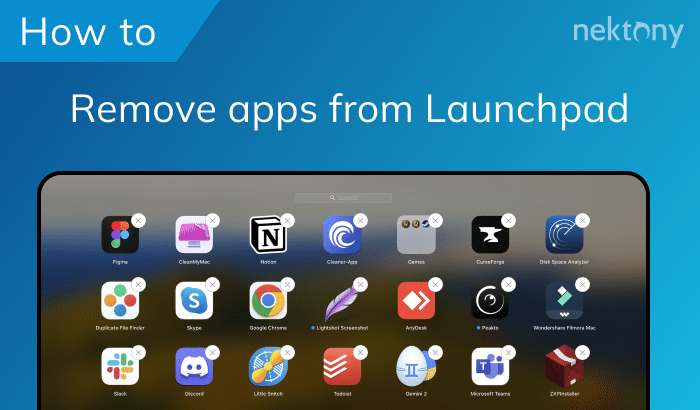
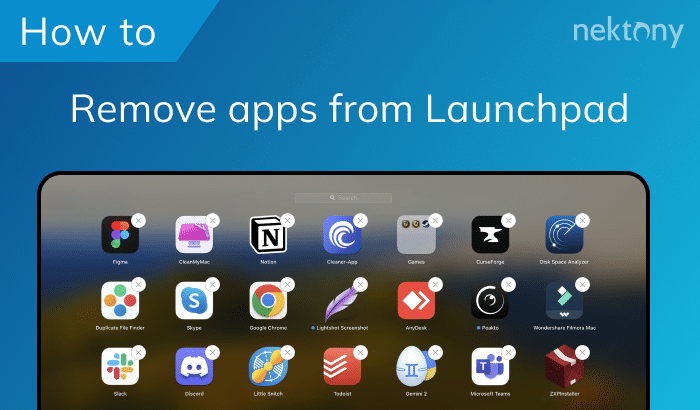
Removing icons from the Launchpad doesn’t delete the entire app, as it does not actually remove all program files. In order to remove an app from the Launchpad, you should uninstall it completely from your Mac.
To remove Anaconda from Mac, follow these steps: first, quit Anaconda, then open Activity Monitor and close Anaconda processes running in the background...
If you have decided to use another service for video conferencing and Zoom is no longer needed you can uninstall Zoom from your Mac using App Cleaner & Uninstaller.
Removing icons from the Launchpad doesn’t delete the entire app, as it does not actually remove all program files. In order to remove an app from the Launchpad, you should uninstall it completely from your Mac.