


iPhone Storage Almost Full – Three Ways to Clean Up Storage
August 30, 2023To check the current storage usage, go to Settings → General → Statistics → Storage & iCloud usage → Manage Storage. You will find the biggest space eaters.




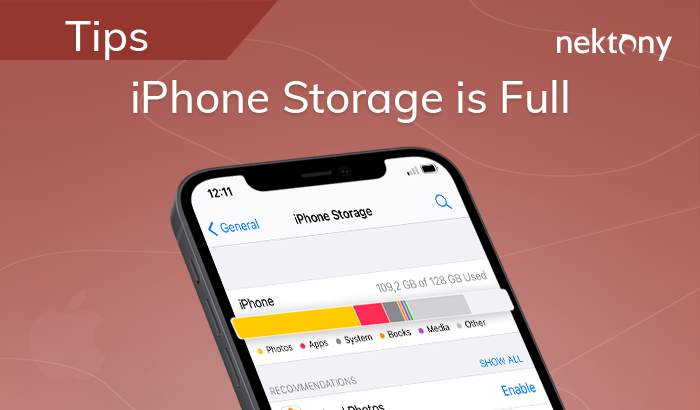
August 30, 2023To check the current storage usage, go to Settings → General → Statistics → Storage & iCloud usage → Manage Storage. You will find the biggest space eaters.

August 29, 2023Learn what is the difference between iCloud storage and iPhone storage, how to use iCloud storage and what can you do to increase your iPhone storage. Read more
August 29, 2023No matter what Mac operating system you use, the way to undo or redo an action on Mac… Read more
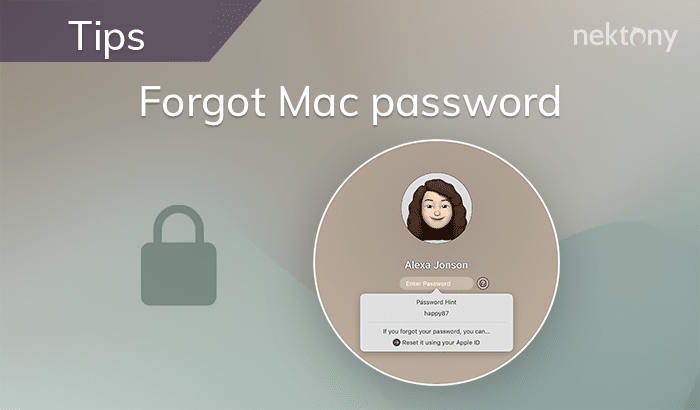
August 29, 2023In case you forgot your Mac password, don’t worry. There are ways to reset your Mac password and… Read more

August 28, 2023Airplane Mode can be useful when you want to preserve your MacBook’s battery life, avoid distractions, or comply… Read more