

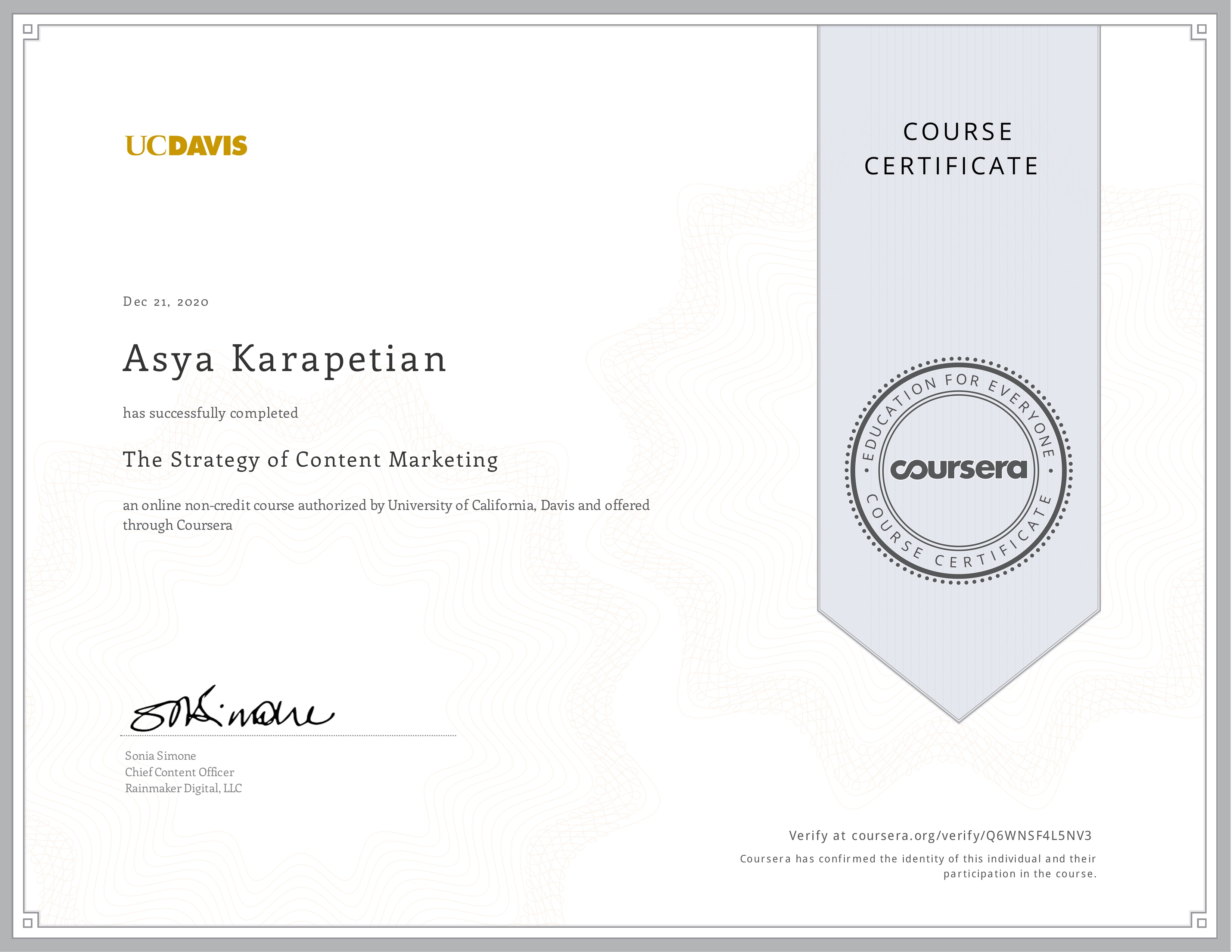
The Strategy of Content Marketing







Asya Karapetyan is a macOS specialist at Nektony with 10+ years of experience helping macOS and iOS users understand and work with Mac tools.
Her expertise spans marketing, UX communication, and technical accuracy, ensuring that complex processes are presented in a clear and accessible way. She focuses on translating user challenges into structured, step-by-step guidance for resolving technical issues.
Asya holds a Master’s degree in Marketing from the Faculty of International Economics (2010).
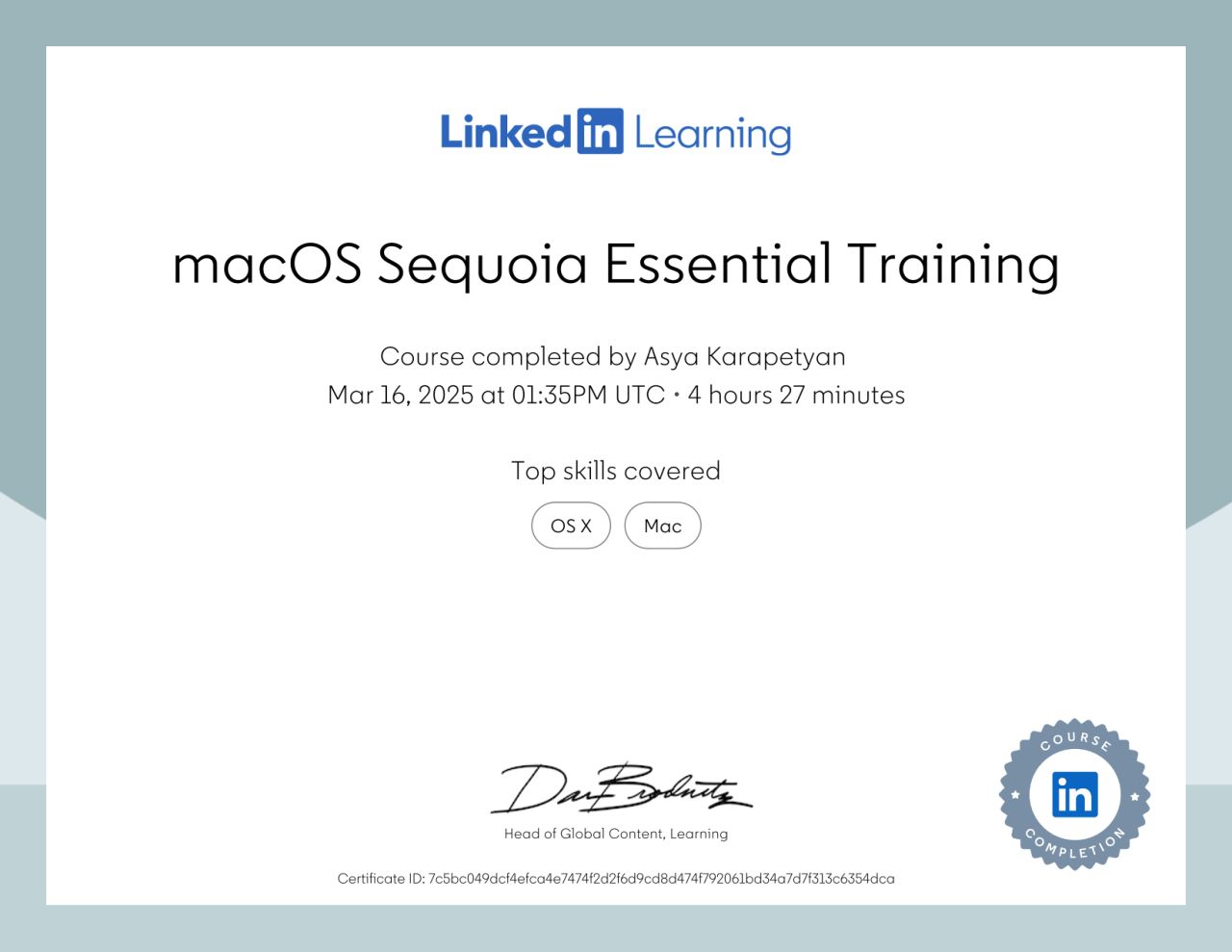
She continuously develops her professional skills. She has completed the macOS Sequoia Essential Training, studied operating system security fundamentals, and taken a course on content marketing strategy.
Before joining Nektony, Asya worked in the marketing departments of companies in the health, body care, sports, and security sectors. Her focus was on how technology transforms industries and improves people’s lives.
At Nektony, she combines her marketing background with technical writing to bridge the gap between complex macOS functionality and user-friendly communication.
Her goal is to help users solve their tasks efficiently using the right tools and clear, easy-to-follow instructions.
The Strategy of Content Marketing