

Duplicate File Finder

Duplicate File Finder
Professional duplicate cleaner for your Mac.
Remove duplicate files, duplicate folders, and even similar photos.A clean Mac starts here. Clean up duplicate files, folders, and similar photos – without losing a single thing you need.


4.7-star rating

Apple-notarized

FREE and Pro versions

10+ million downloads
The quickest way to find duplicate files on a MacMore free space. No duplicates. Just a clean Mac.
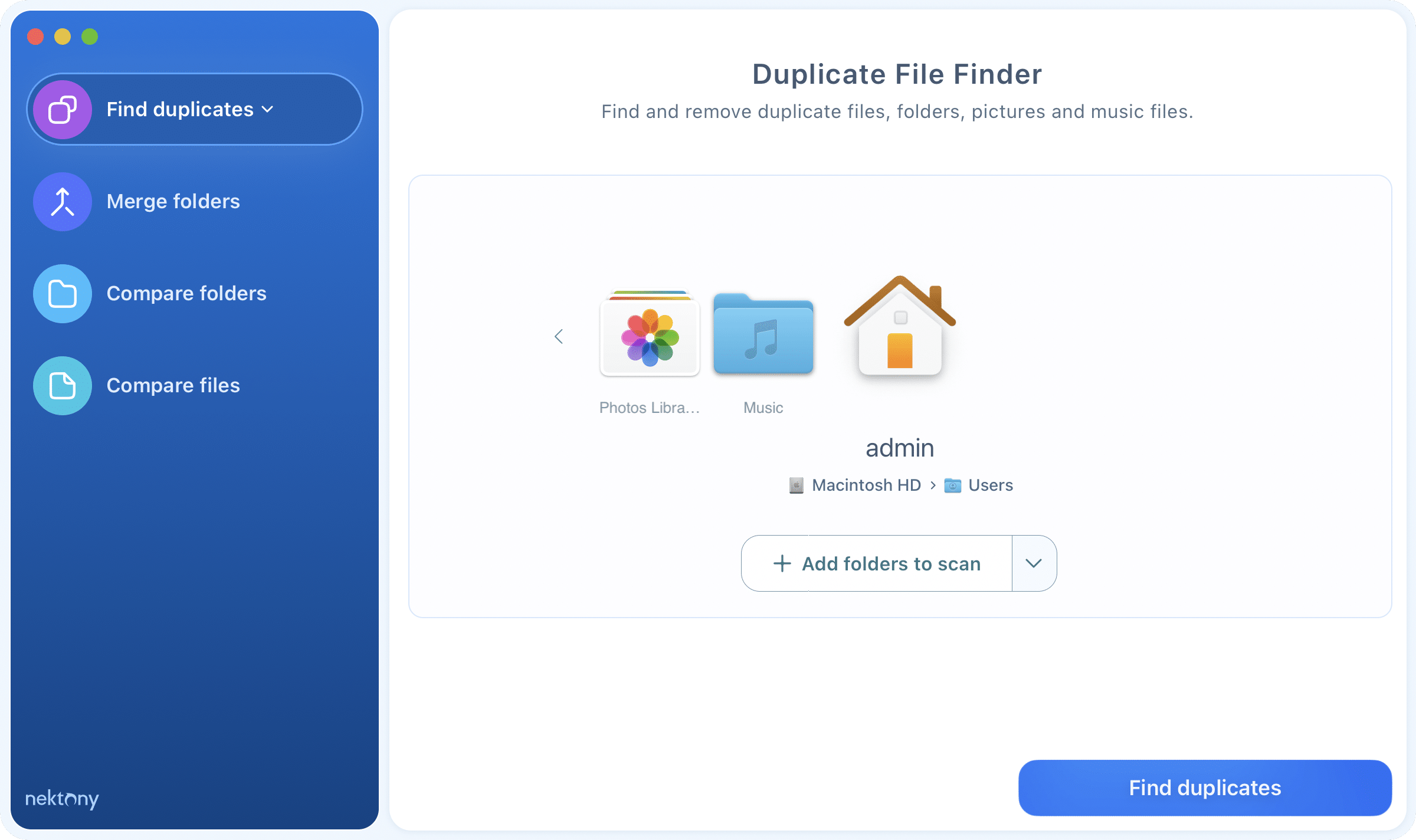
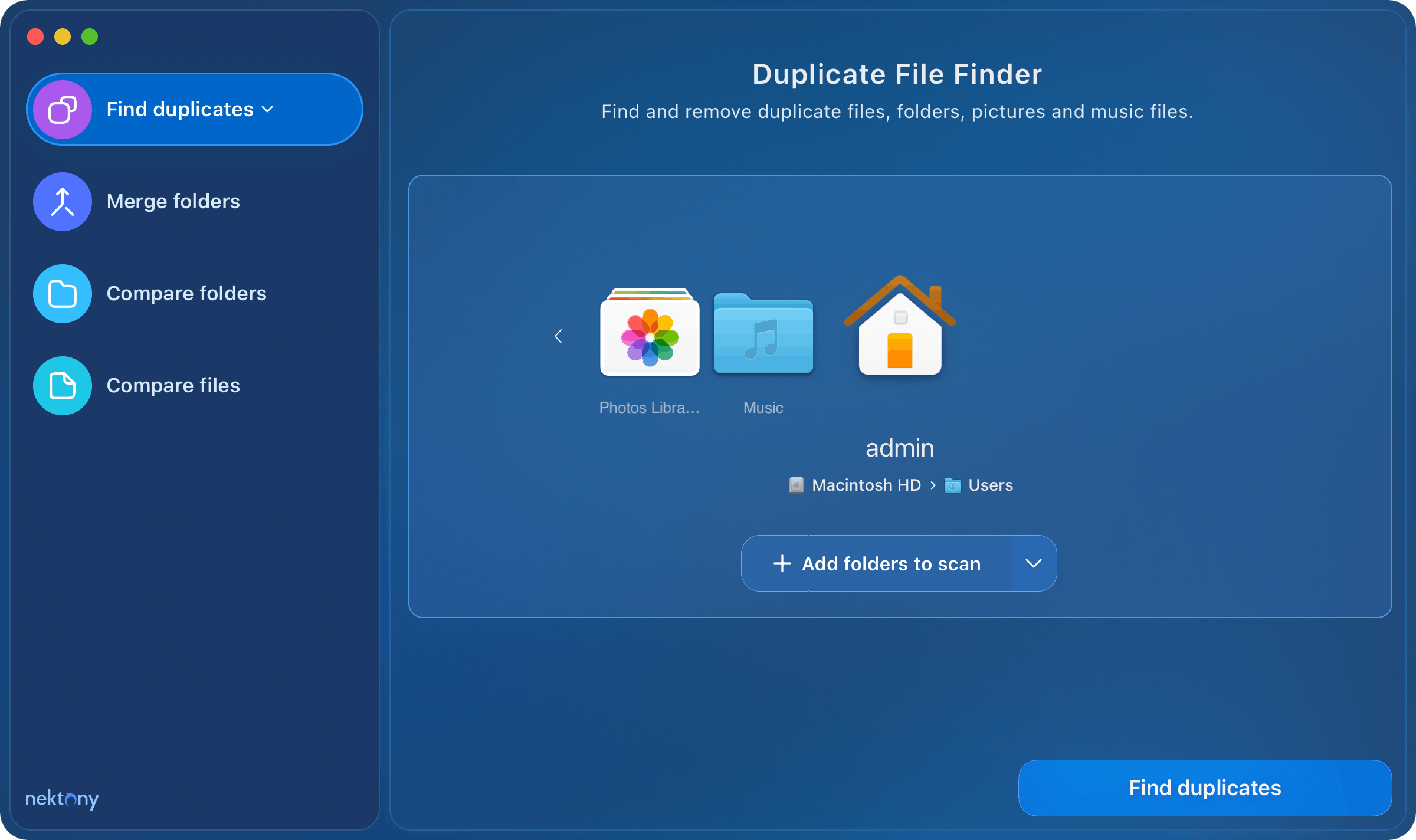
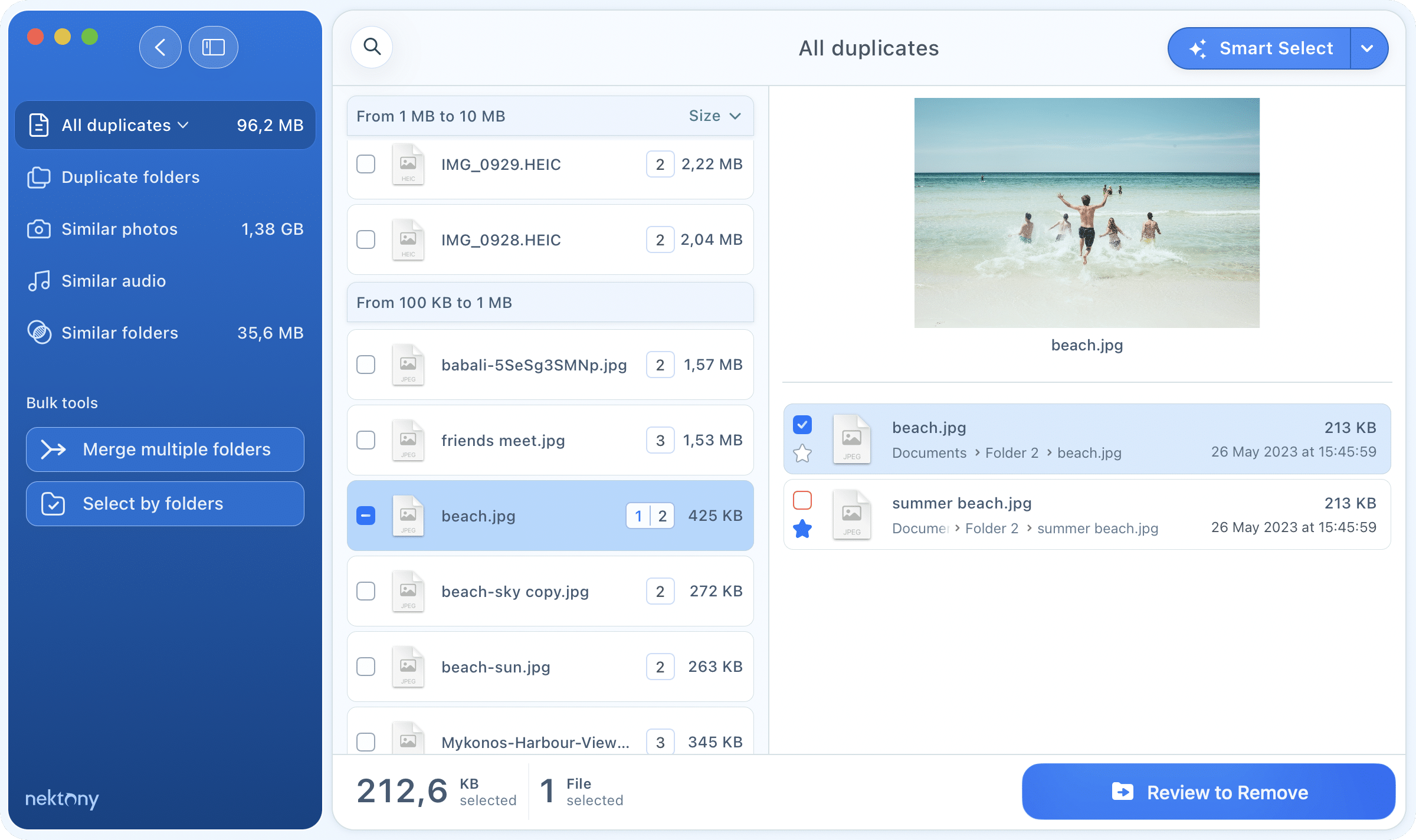
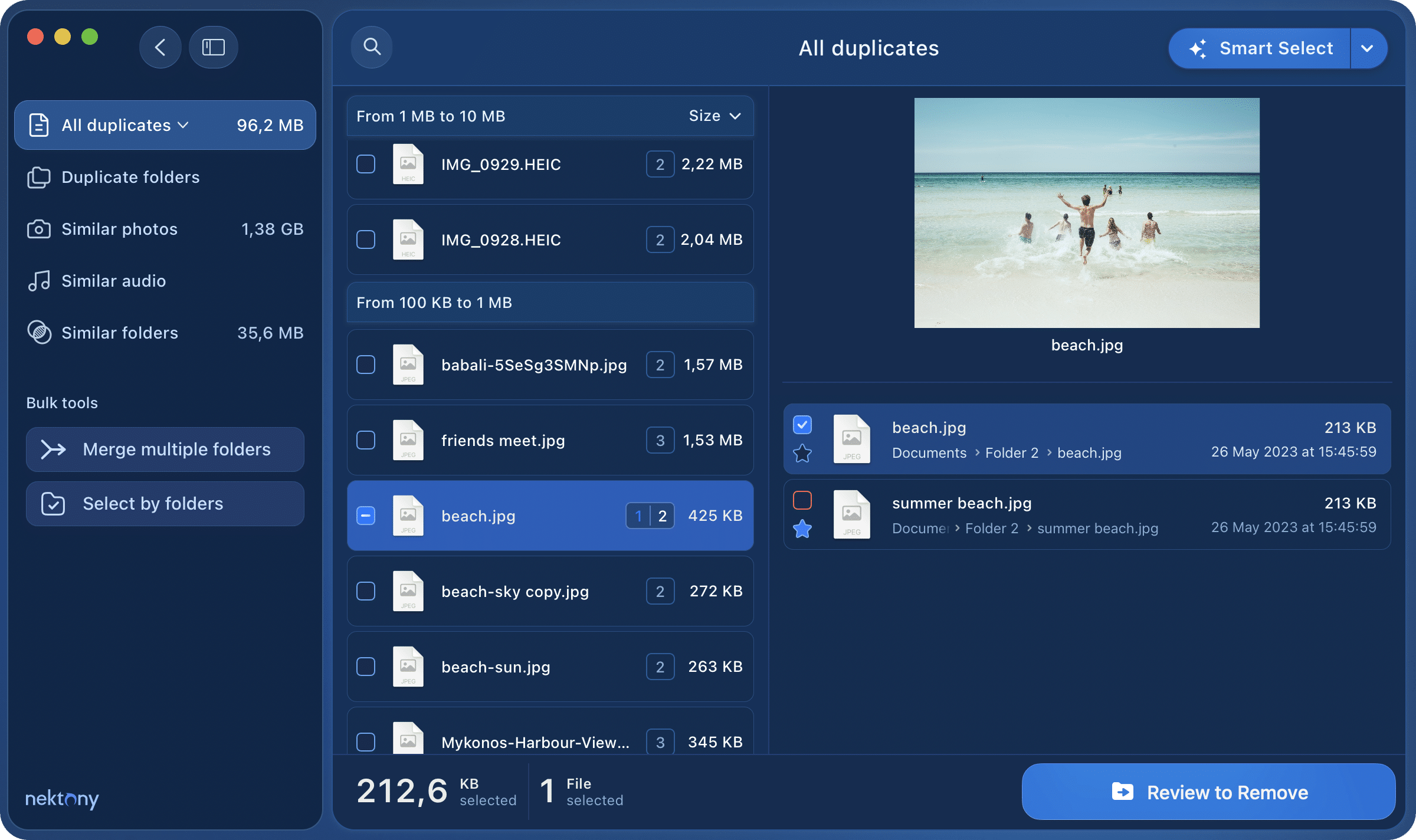
Don’t let useless files take up valuable space on your diskYour files are organized the way they should be
Declutter your Mac. Organize your file collections with the best duplicate finder.Duplicates pile up silently. One scan is all it takes to see what’s wasting space – and remove it.





Scan any disk or folderEvery duplicate, no matter where
 Home folder
 Photos/Music Libraries
 External disks
 Cloud storage
- Find duplicates in your Home folder, iTunes, Photos, iCloud, Dropbox, Google Drive or any other external disk.Check your Home folder, iTunes, Photos, iCloud, Dropbox, Google Drive or any external drive.
- Specify the extension type and size of files to be scanned.Scope the scan by file type or size — as broad or precise as you like.
It’s so easy…Takes seconds, saves gigabytes
 Auto SelectSmart Select
 Select in bulkSelect by folder
- Preview duplicate photos, music, videos, and any other type of duplicate files.
- Use the Auto Select option to quickly select useless copies.Smart Select marks the obvious copies – you just confirm.
- Quickly select files in a particular folder with a smart feature.

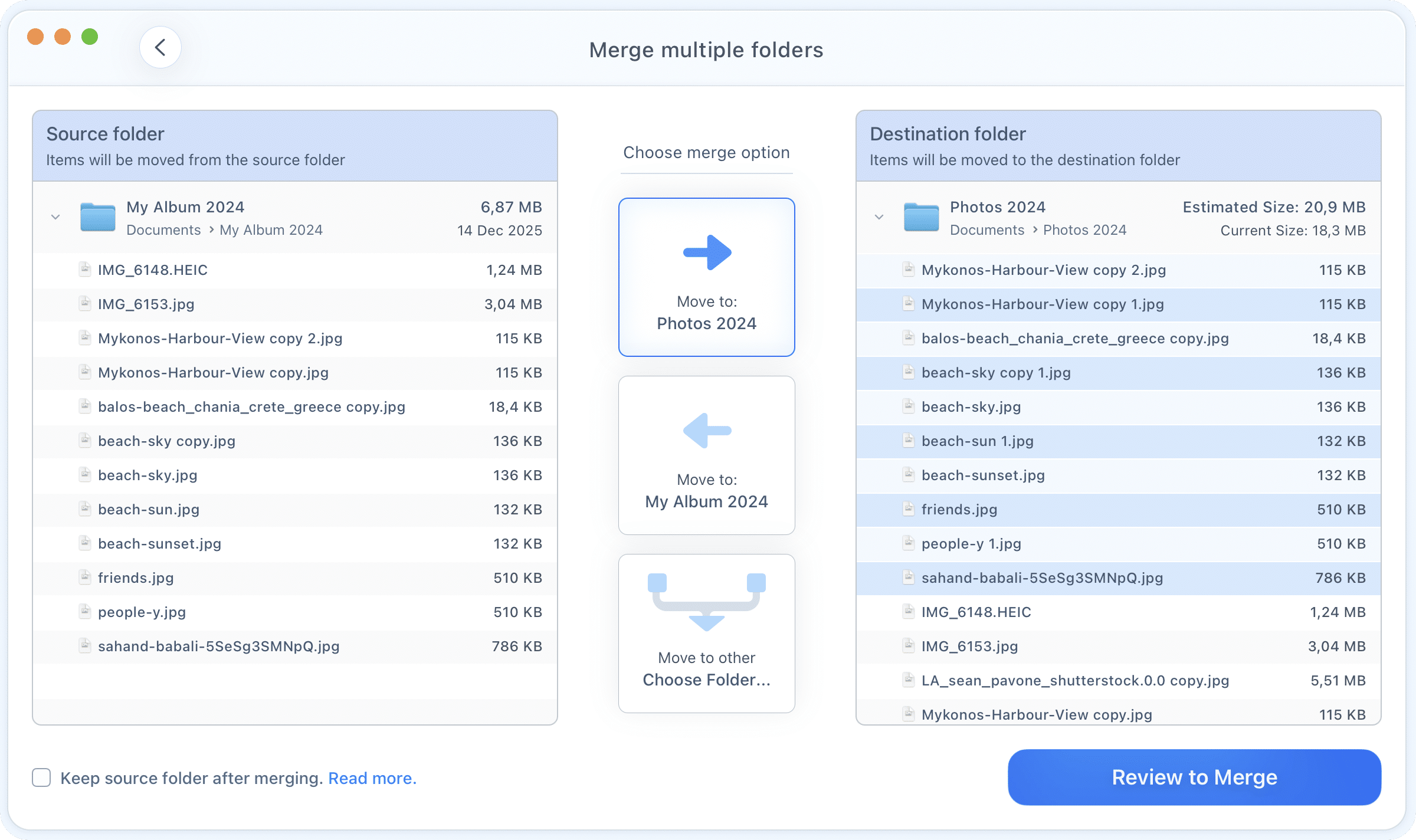
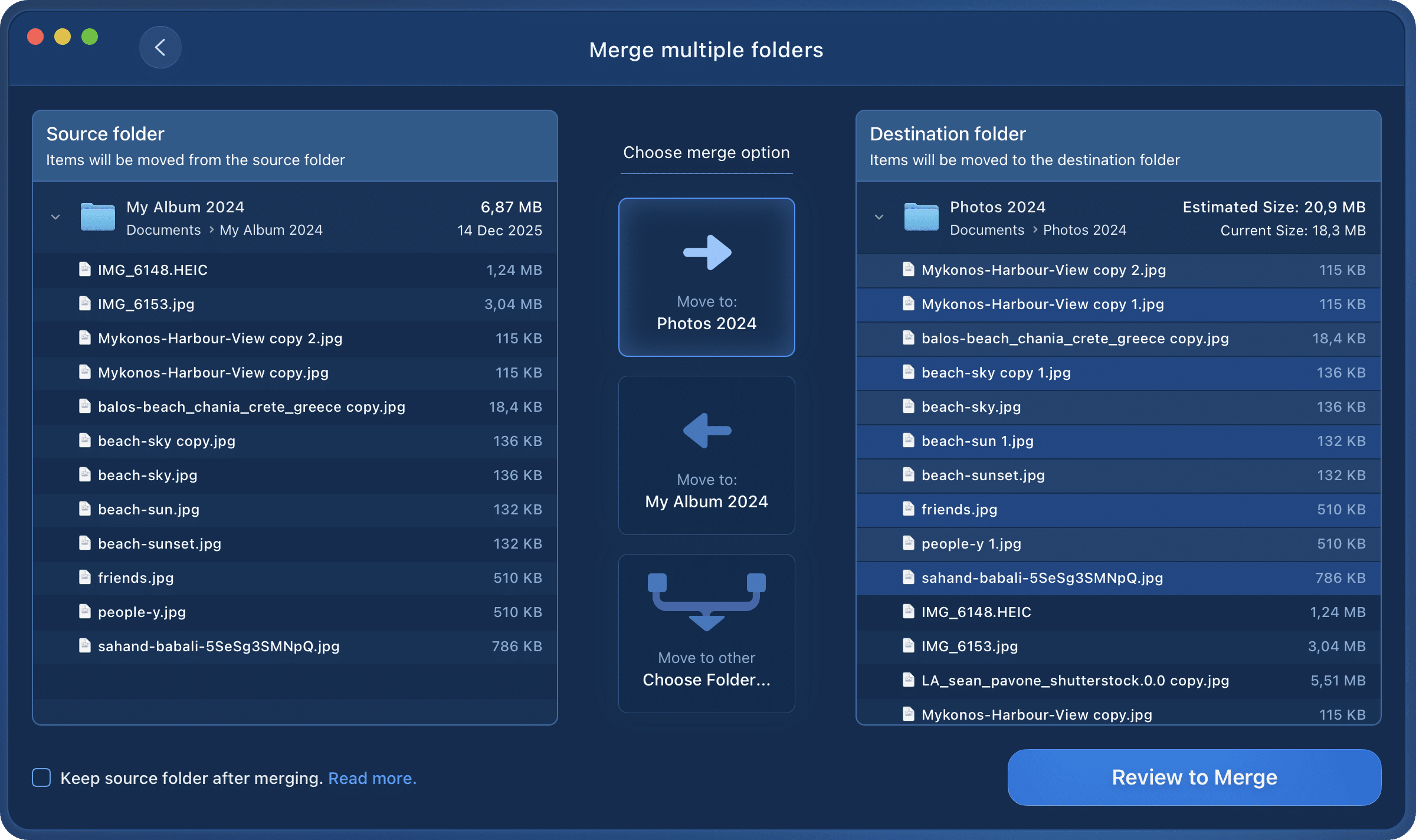
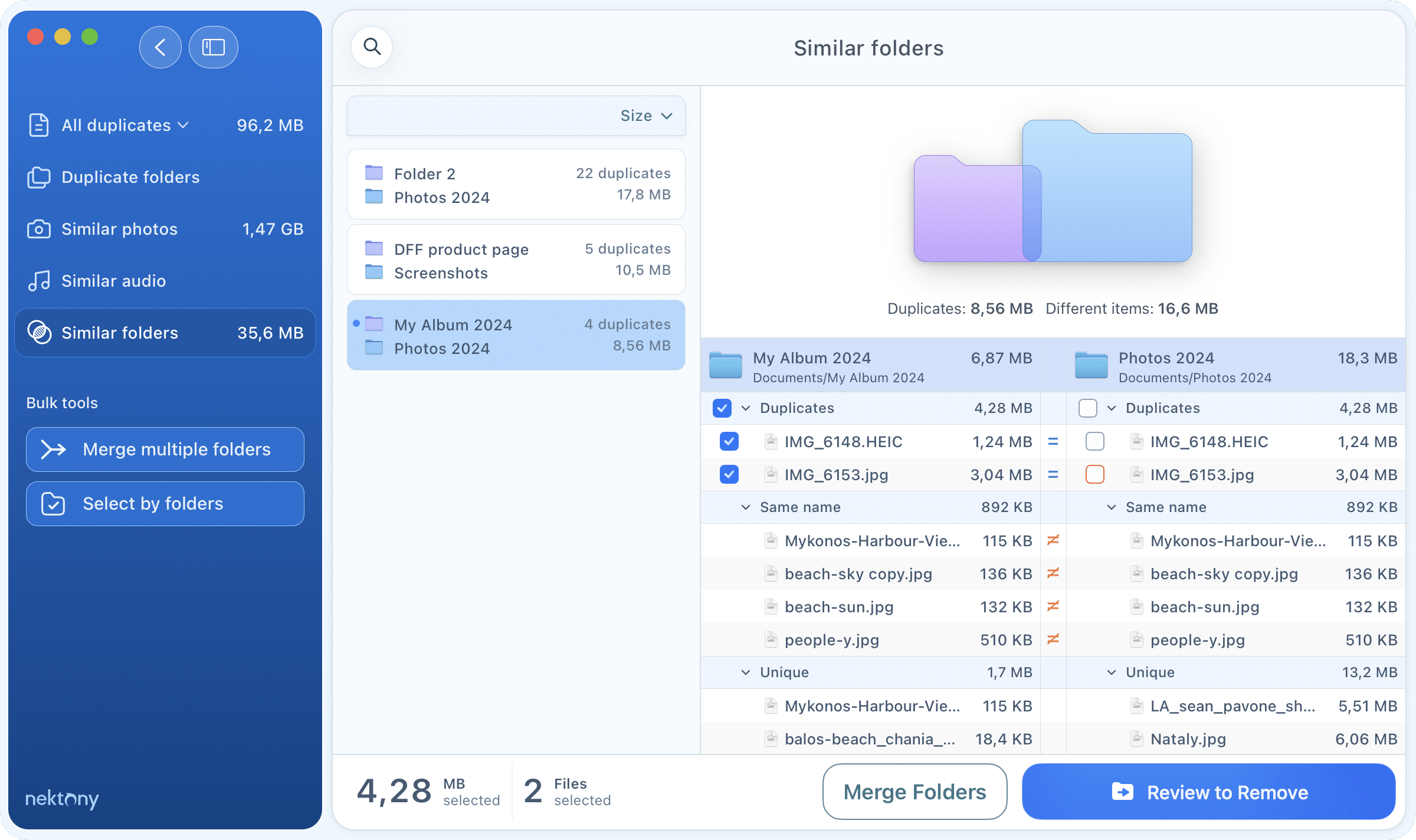
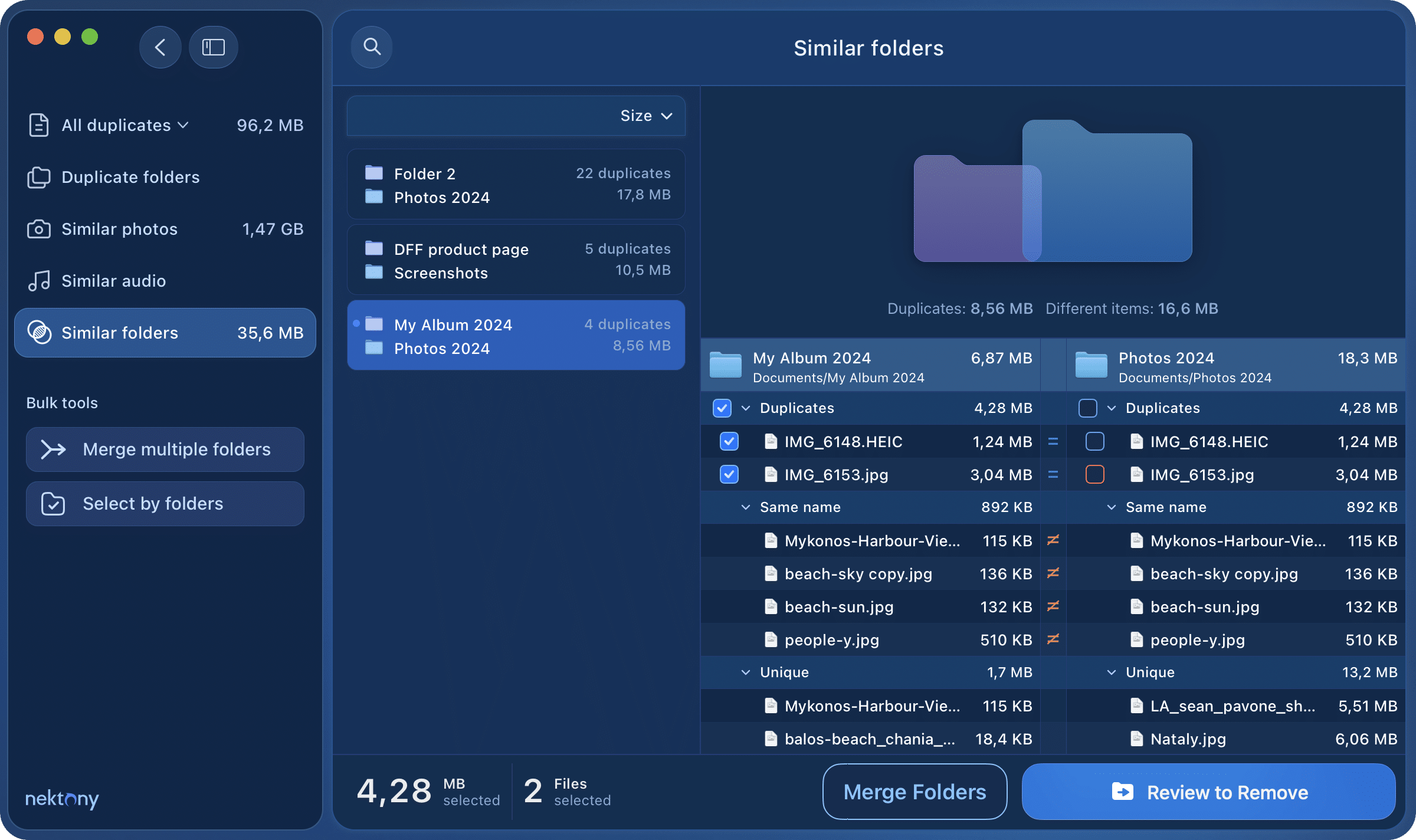
Merge foldersTurn folder chaos into clean order
Compare folders Organize filesMerge folders
- Detect similar folders – those which have both unique and identical files.Detect similar folders with both unique and identical files.
- Move the data from one folder to another.Combine them into one place without losing anything.
- Bring order to the chaos in your folders. Build a folder structure you’ll actually want to navigate.
Clear similar files
 Photos
 Music
Music- Find both duplicate songs/photos and similar ones.Find near-identical photos and songs that are quietly eating up space.
- Easily review similar shots and choose which versions to keep.Pick the best shot and let go of the rest – confidently.
- Manage your similar songs and organize your Music Library.Keep your Music Library tight and your photo collection clean.







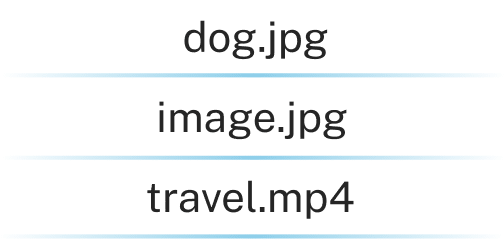



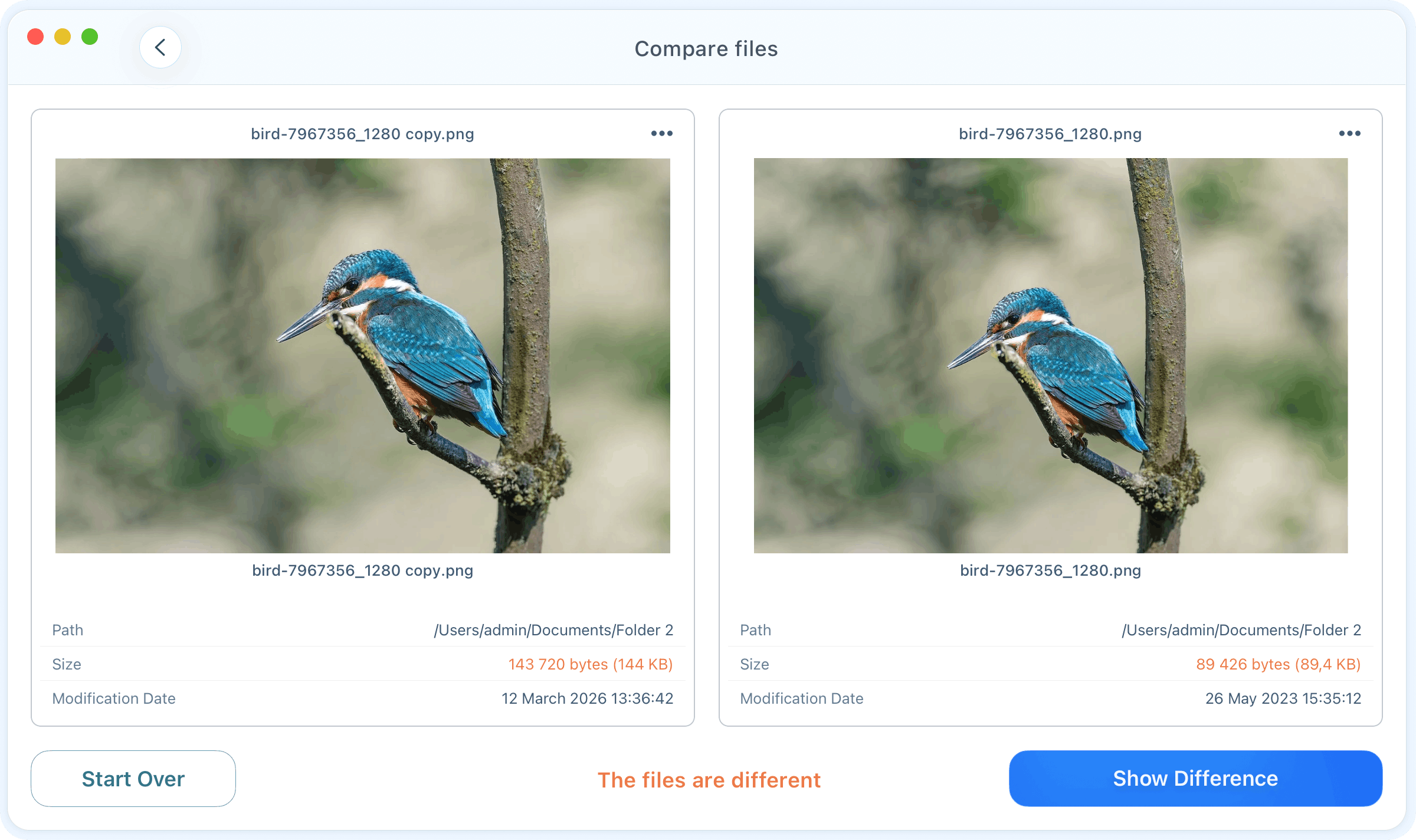
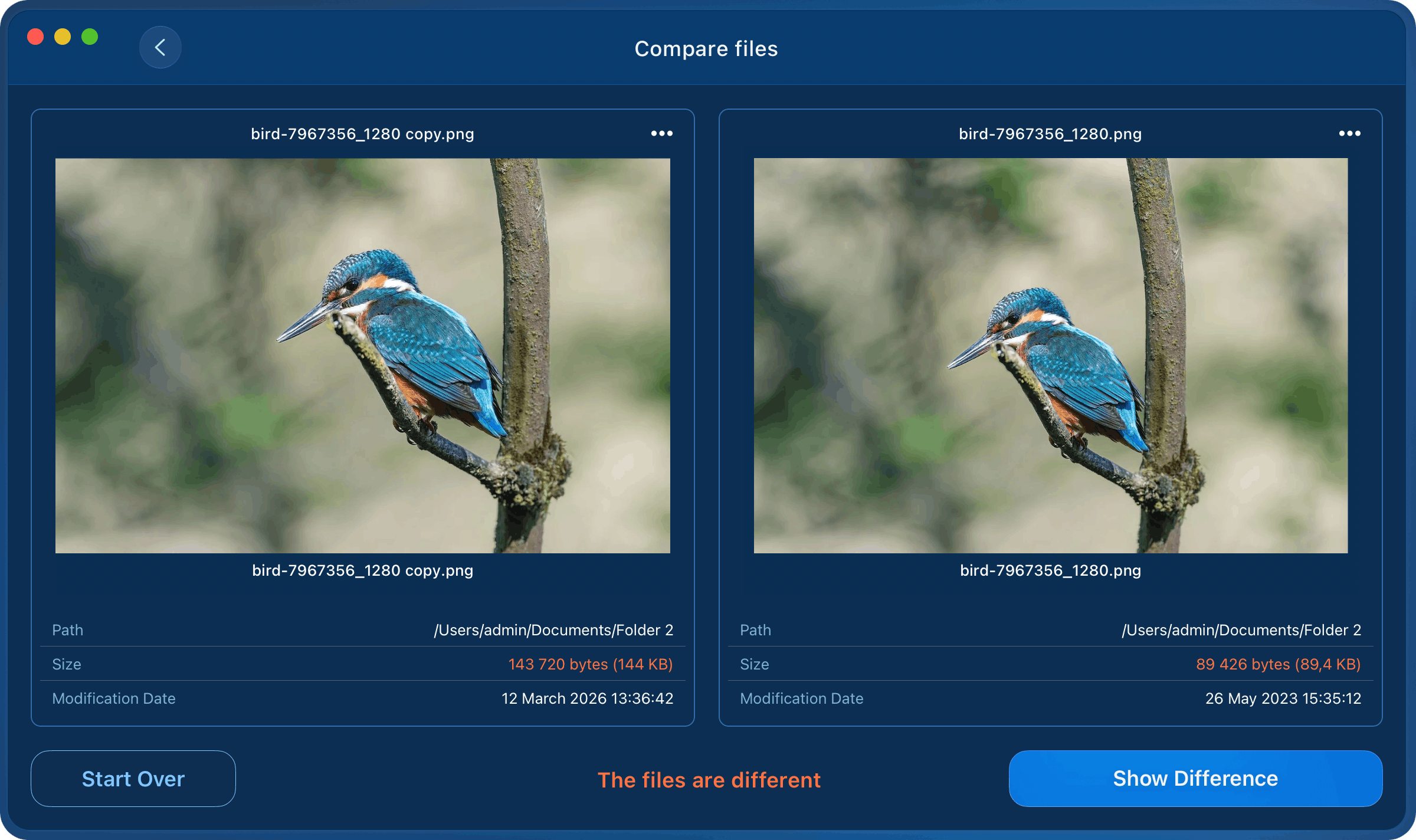
CompareSide-by-side comparison
 FilesFolders
- Perform a byte-for-byte comparison between two items. Check any two files or folders side by side.
- Get proof if the files or folders are the exact duplicates or not.Byte-level comparison tells you exactly if they match.
- Compare two specific folders and find which duplicate files they have.Decide what to delete with full certainty.
Wait! There’s More!

Wide list of settingsControl what to be scanned
- Find even hidden duplicates
- Skip scanning specific folders
- Customize the broad spectrum of Auto Select rulesSet smart rules that match how you actually work

Safe removalDelete with confidence
- Confirm before deletingReview before it’s removed
- View the removal history
- Restore deleted duplicates from the TrashGet files back from the Trash

Easy and quickClean up in minutes
- Group files by categories
- Search files by name
- Select duplicates in bulk in particular folders
Duplicate File Finder speaks
English
Español
Deutsch
Français
中文
Italiano
Українська
People ❤️ it

AppStore

This app is easy to use and helped me so much! I’m personally not the best at keeping my files organized, but this saved my bacon! I really like the fact that you can scan multiple folders against each other. Fantastic!Rfroberts

Trustpilot.com
DFF has been wonderful in helping me to remove duplicate files after migrating three portable hard drives onto one large disk. It saved me 415GB of file space out of the original 1.9GB.Alex Calgony

Fixthephoto.com
Duplicate File Finder lets you get more free disk space by removing unnecessary identical or similar files and folders from your Mac. It works with a variety of file formats and has a really fast scanning algorithm to find matches.Eva Williams
AppStore
Finally, a free app that actually allows you to remove duplicates without forcing you to upgrade to pro. It was super fast and cleared a bunch of space in my computer.Splashlyy7
AppStore
I’ve been using the app for a few days to try out and it works outstandingly well. For finding duplicates but also for merging folders. The interface is great, and it’s great to go through your files and select which ones you want to keep and which to delete.T.0011