Unfortunately, browser plugins can not be removed as easily as they were installed. In this article, we will explain how to remove browser plugins on Mac.
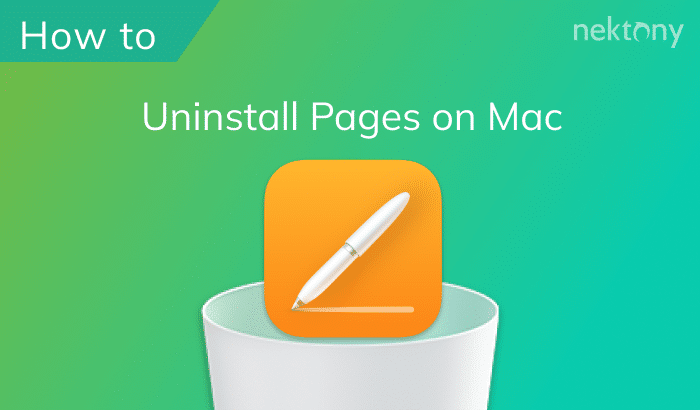
To uninstall Pages on Mac using App Cleaner & Uninstaller, complete the following steps: quit Pages, launch App Cleaner & Uninstaller, select Pages in the list of applications and click on Uninstall...
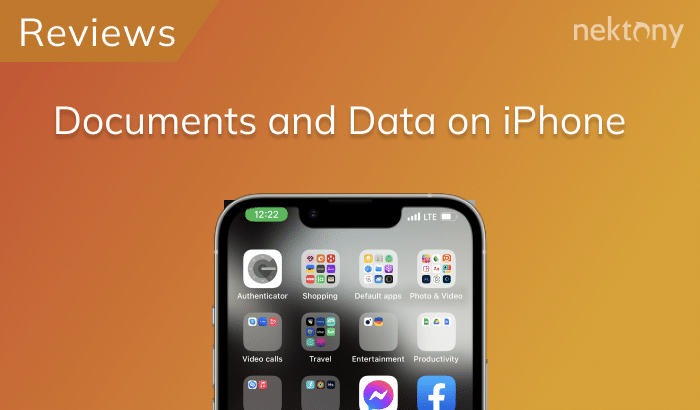
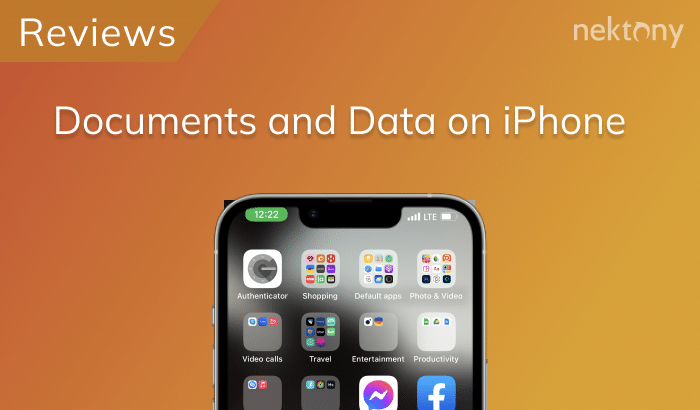
The easiest way to remove “Documents and Data” on your device is to reinstall the application. For this, go to Settings → General → Storage & iCloud Usage.
Unfortunately, browser plugins can not be removed as easily as they were installed. In this article, we will explain how to remove browser plugins on Mac.
To uninstall Pages on Mac using App Cleaner & Uninstaller, complete the following steps: quit Pages, launch App Cleaner & Uninstaller, select Pages in the list of applications and click on Uninstall...
The easiest way to remove “Documents and Data” on your device is to reinstall the application. For this, go to Settings → General → Storage & iCloud Usage.