
How to uninstall a printer on your Mac
May 18, 2023Going to replace your old printer with a brand new model? This guide will explain how to delete printer drivers with a step-by-step screenshot tutorial. Read more





May 18, 2023Going to replace your old printer with a brand new model? This guide will explain how to delete printer drivers with a step-by-step screenshot tutorial. Read more
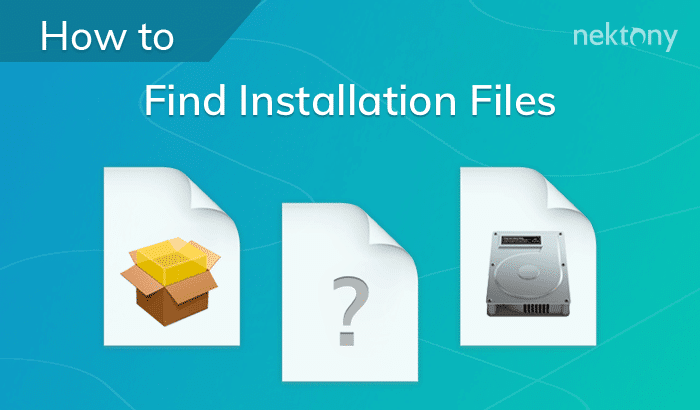
May 17, 2023This article is devoted to image files and installation packages. (.dmg & .pkg extensions). Learn some Mac tricks to easily find and remove .dmg and .pkg files. Read
May 17, 2023By default most Mac apps save files in a correspondent Downloads folder: Macintosh HD > Users > [current user=””][/current] > Downloads. Read more

May 17, 2023If your Mac randomly restarts and shows the message “Your computer restarted because of a problem…,” you are… Read more
May 2, 2023As a Mac user, you are likely aware of the importance of keeping your data secure. Whether it… Read more