How to
"How to" guides, tutorials, tips, and tricks for macOS, iOS, and iPadOS users.
How to
How to find and remove duplicate files in Dropbox
May 7, 2024
Your Dropbox may have lots of useless files, including duplicates. In this post, we will explain how to find and delete duplicate files in Dropbox on a Mac.
How to find similar songs on Mac
May 7, 2024
Finding similar songs is not as easy as it might seem. In most cases, searching for similar music...
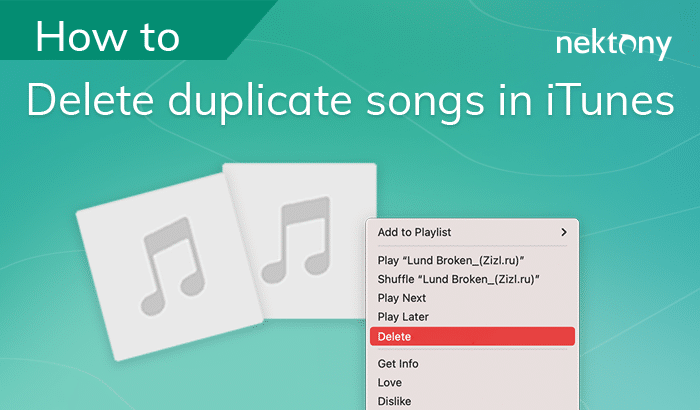
How to delete duplicate songs in iTunes
May 7, 2024
If you haven't managed your music files in iTunes for a long, long time, most likely you have...
How to delete duplicate and similar photos on Mac
May 7, 2024
Duplicate photos are images that have an equal file type, size, and content. An easy way to find duplicate photos on Mac is to use Duplicate File Finder.
How to find and remove duplicate files in OneDrive
May 1, 2024
In this post we will share two ways to remove duplicate files from the OneDrive Library on a Mac. To find duplicates, take the following steps:...

How to

“How to” guides, tutorials, tips, and tricks for macOS, iOS, and iPadOS users.

Control Center on Mac

Where Is the Control Center on Mac?

January 31, 2024Unlike Windows, which has a centralized Control Panel, Mac has a different approach to managing your computer. This… Read more

How to Uninstall Vim on Mac

January 30, 2024If you want to delete the Vim Mac version from your computer in a much easier way, try a third-party uninstaller. To delete the Vim editor using App

How to uninstall GitHub on a Mac

January 30, 2024The manual method of GitHub emoval consists of two parts. First, you need to delete the GitHub’s executable file. Then you have to find and remove its remains.
How to reset Keychain Password on Mac

January 29, 2024If you wish to change your keychain password, simply follow these steps: Start off with opening the Keychain Access app on your Mac. You can find it in…

Scroll to Top