How to
"How to" guides, tutorials, tips, and tricks for macOS, iOS, and iPadOS users.
How to
How to change a username  on your Mac
How to change a username on your Mac
September 4, 2023
Macs allow you to have multiple user accounts. Having several accounts can be convenient when, for example, family...
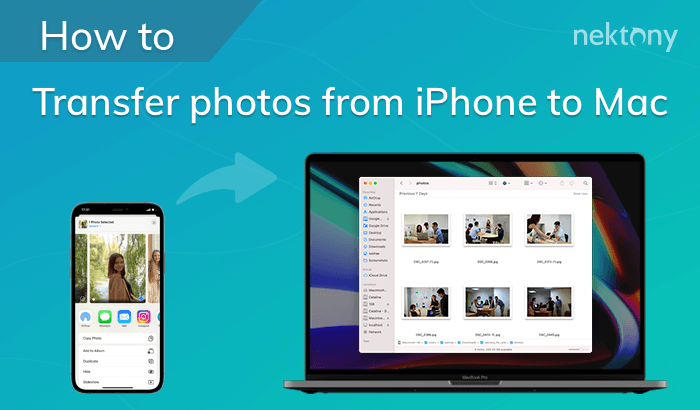
How to transfer photos from iPhone to Mac
September 1, 2023
You can store photos in the phone’s memory or import iPhone photos to Mac to free up memory. We will tell you how to transfer photos from iPhone to Mac.
How to explore files on Mac
September 1, 2023
If you have just switched to using a Mac computer, you probably have questions about the macOS file...
How to run Apple diagnostics on a Mac
August 31, 2023
With Mac diagnostics, you can effectively detect hardware problems with your hard drive, solid-state drive, RAM, graphics processor,...
How to find emails automatically removed from spam
August 31, 2023
Every day, we usually receive dozens or hundreds of email messages, including unwanted messages that are called spam....

How to

“How to” guides, tutorials, tips, and tricks for macOS, iOS, and iPadOS users.

How to delete downloads on Mac

May 17, 2023By default most Mac apps save files in a correspondent Downloads folder: Macintosh HD > Users > [current user=””][/current] > Downloads. Read more


How to encrypt files on a Mac

May 2, 2023As a Mac user, you are likely aware of the importance of keeping your data secure. Whether it… Read more

How to bookmark on a Mac

January 23, 2023This article explains how to bookmark on Mac and how to delete bookmarks on Mac. Read on to… Read more

How to silence notifications on iPhone

December 26, 2022Notifications are an important feature of the iPhone. However, notifications can also be annoying, distracting you from work… Read more

Scroll to Top