Blog
News and “how-to” guides for macOS and iOS
Blog
Popular
Little Snitch alternatives: 6 Mac firewalls that cost less or nothing
July 7, 2026
For more information about any of these, see the sections below, they go into specifics: which firewall gives...
Switching from Windows to Mac: How to get started with macOS
June 29, 2026
If you are new to Mac, the transition has a learning curve that nobody warns you about. Different...
Free Mac firewall: LuLu or FireWally?
June 19, 2026
The built-in macOS firewall blocks inbound traffic, but it says nothing about what's going out. Once an app...
Uninstall Claude Code and Claude Desktop completely on Mac
June 11, 2026
Dragging Claude.app to Trash skips the most disk-heavy part of the cleanup: its folders remain invisible in the...
Uninstall ChatGPT on Mac in full: App, Codex CLI, PWA, and all files
June 11, 2026
Dragging ChatGPT to Trash isn't how to uninstall the app correctly. By doing so, you remove the app...
How to uninstall Kaspersky on Mac completely
June 5, 2026
Learn how to uninstall Kaspersky Internet Security on your Mac without leaving any trace. Follow these steps to delete Kaspersky completely.
How to mirror or duplicate your screen on a Mac
June 5, 2026
Here is how to duplicate the screen on a Mac. You can extend your Mac’s screen to an external monitor. For this follow these steps...

Blog

News and “how-to” guides for macOS and iOS

How to disable plugins on a Mac

September 19, 2023Unfortunately, browser plugins can not be removed as easily as they were installed. In this article, we will explain how to remove browser plugins on Mac. Read more
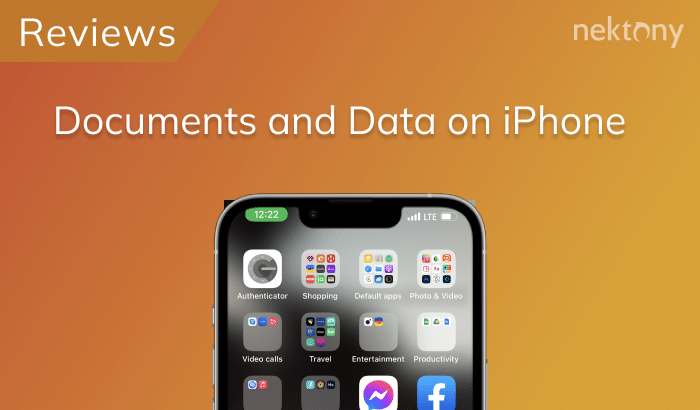
How to Delete Documents and Data on iPhone

September 15, 2023The easiest way to remove “Documents and Data” on your device is to reinstall the application. For this, go to Settings → General → Storage & iCloud Usage.

How to delete fonts on Mac

September 14, 2023There are tons of fonts on Mac we don’t use. In this article, we will explore the Mac fonts location and explain how to remove fonts on Mac.
Scroll to Top